Related Information
& “Printing Basics” on page 40
& “More Options Tab” on page 58
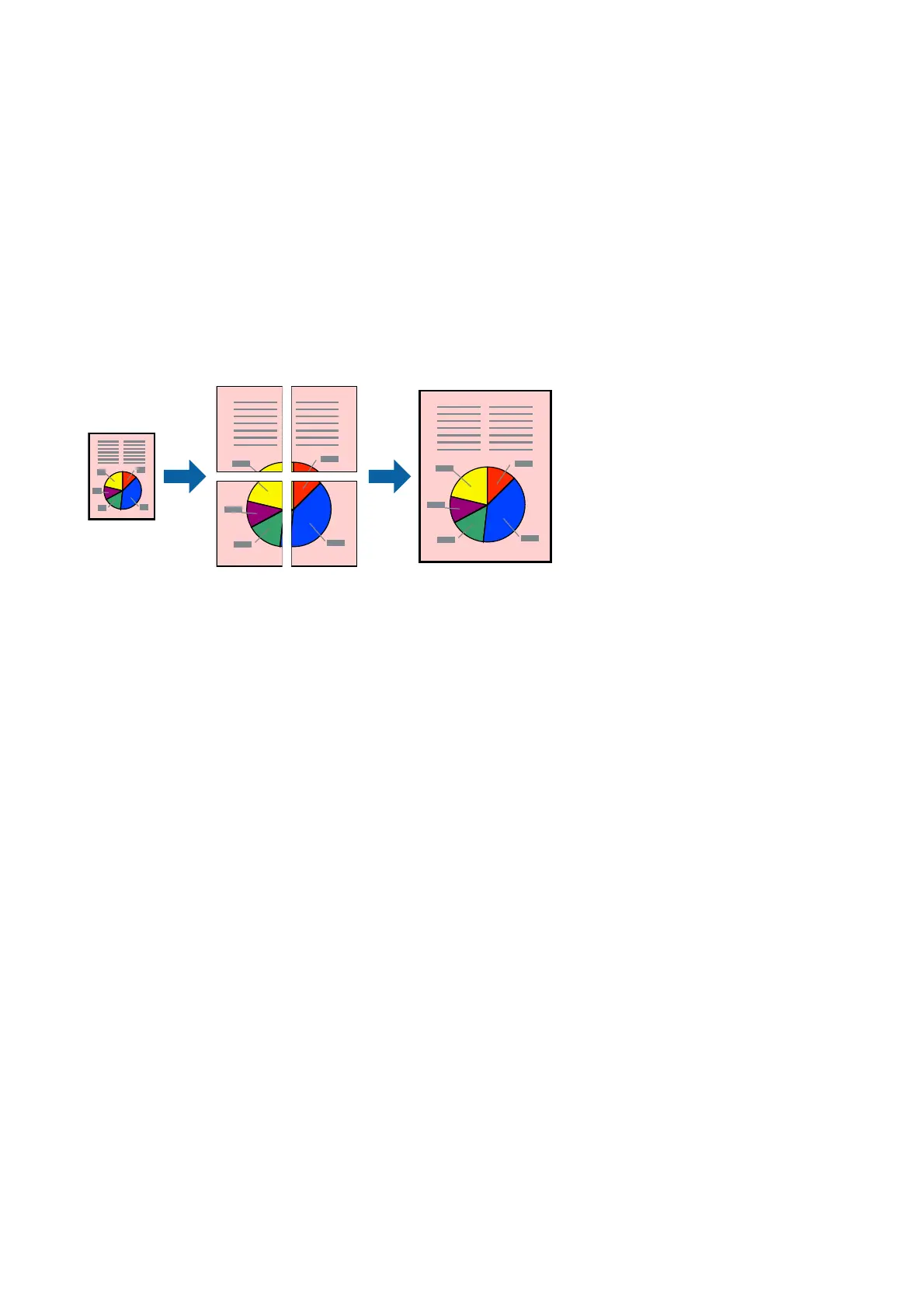
Printing One Image on Multiple Sheets for Enlargement (Creating a
Poster)
is feature allows you to print one image on multiple sheets of paper. You can create a larger poster by taping
them together.
Print Settings
On the printer driver's Main tab, select 2x1 Poster, 2x2 Poster, 3x3 Poster, or 4x4 Poster as the Multi-Page
setting. If you click Settings, you can select the panels that you do not want to print. You can also select the cutting
guide options.
Related Information
& “Printing Basics” on page 40
& “Main Tab” on page 57
User's Guide
Printing
45














 To Next Page