Using the Automatic Document Feeder
9
2. Fan the originals, then tap them on a flat surface to even the edges.
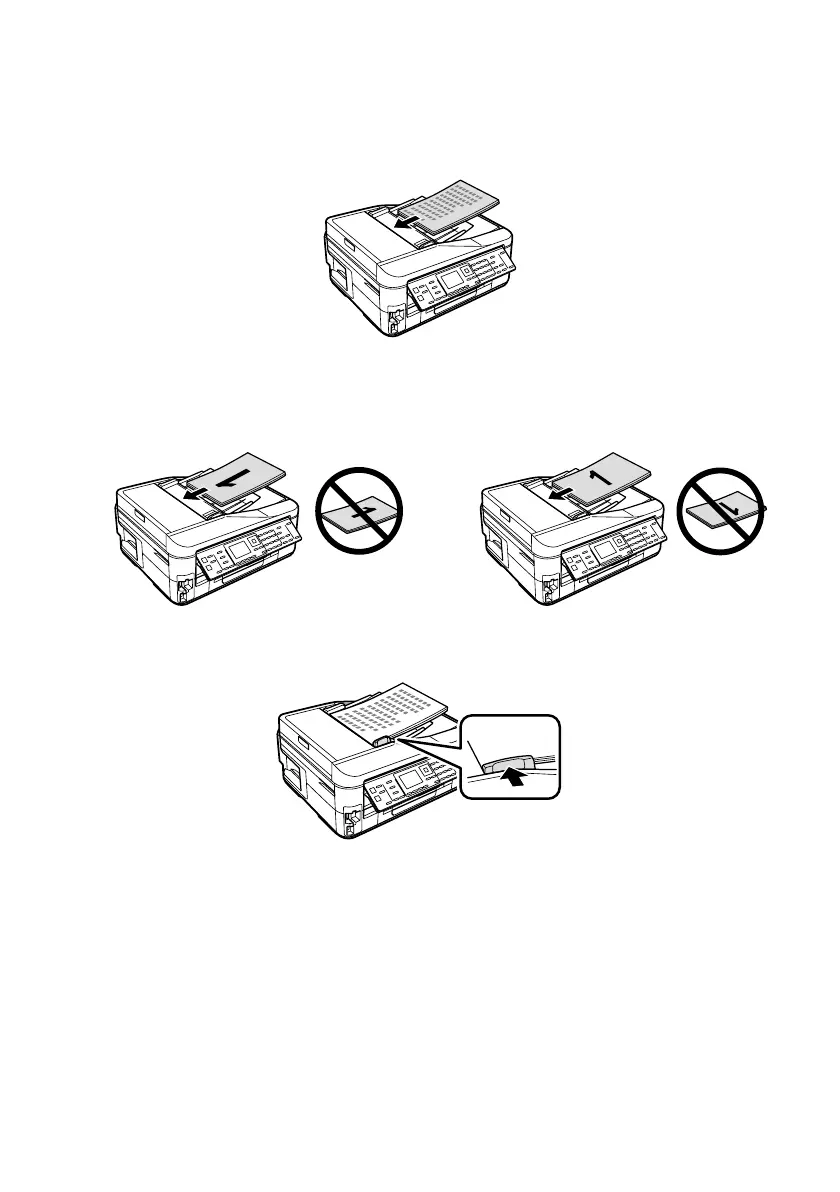
3. Insert the originals face-up, top edge first. The
ADF
icon appears on the
screen.
Note:
If you’re using the 2-up Copy layout, make sure the originals are loaded as shown
below.
4. Slide the edge guide against the originals, but not too tight.













 To Next Page