Selecting the Correct Paper Type
17
7. Click the
Advanced
button to change additional settings.
Note:
For more information on print settings, click ?.
8. Click
Print
.
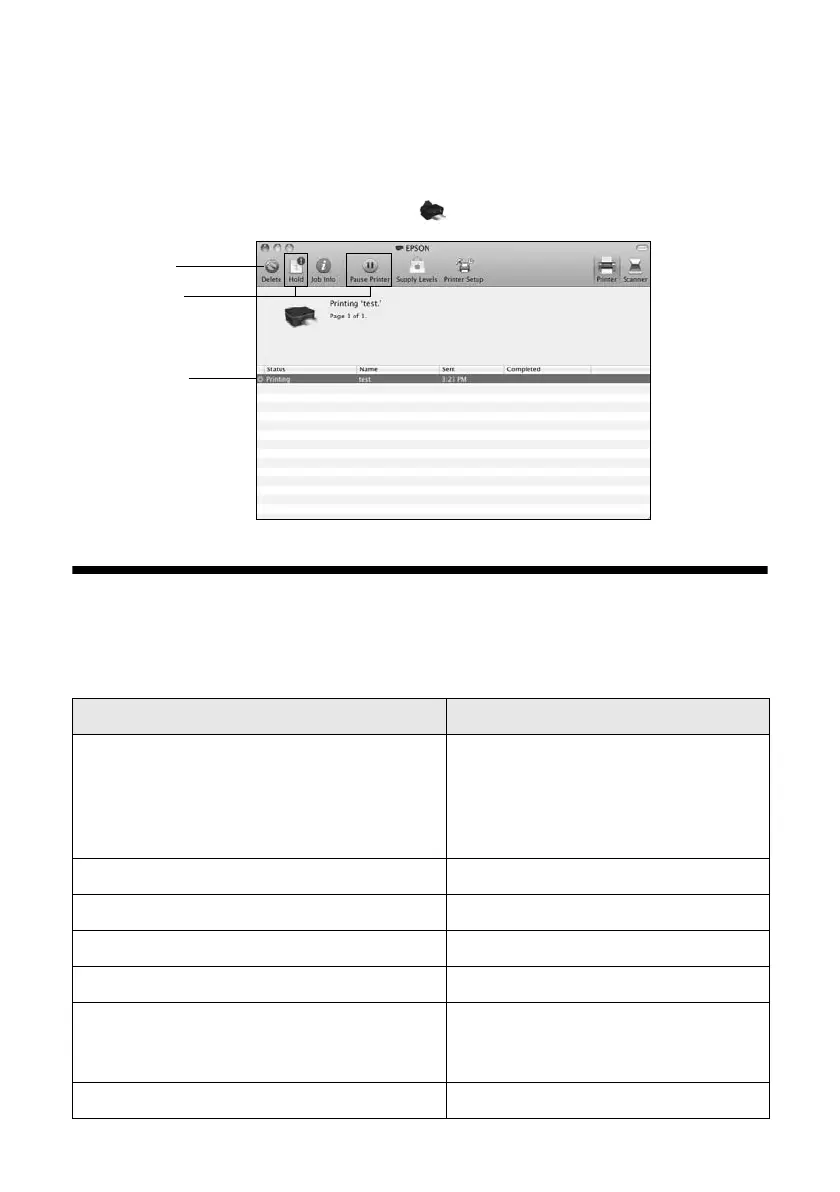
9. To monitor your print job, click the printer icon in the Dock.
Selecting the Correct Paper Type
Select the correct
Type
(see page 14) or
Media Type
(see page 16) setting in your
printer software so the ink coverage can be adjusted accordingly.
For this paper/media Select this setting
Plain paper
Epson Bright White Paper
Epson Presentation Paper Matte
Epson Photo Quality Self-adhesive Sheets
Epson Iron-on Cool Peel Transfer paper
Plain Paper/Bright White Paper
Epson Ultra Premium Photo Paper Glossy Ultra Premium Photo Paper Glossy
Epson Premium Photo Paper Glossy Premium Photo Paper Glossy
Epson Photo Paper Glossy Photo Paper Glossy
Epson Premium Photo Paper Semi-gloss Premium Photo Paper Semi-Gloss
Epson Premium Presentation Paper Matte
Epson Premium Presentation Paper Matte
Double-sided
Premium Presentation Paper Matte
Envelopes Envelope
ancel
printing
Select the
print job
Pause or
resume
printing













 To Next Page