Printing With a Macintosh
15
6. Click
OK
to save your settings.
7. Click
Print
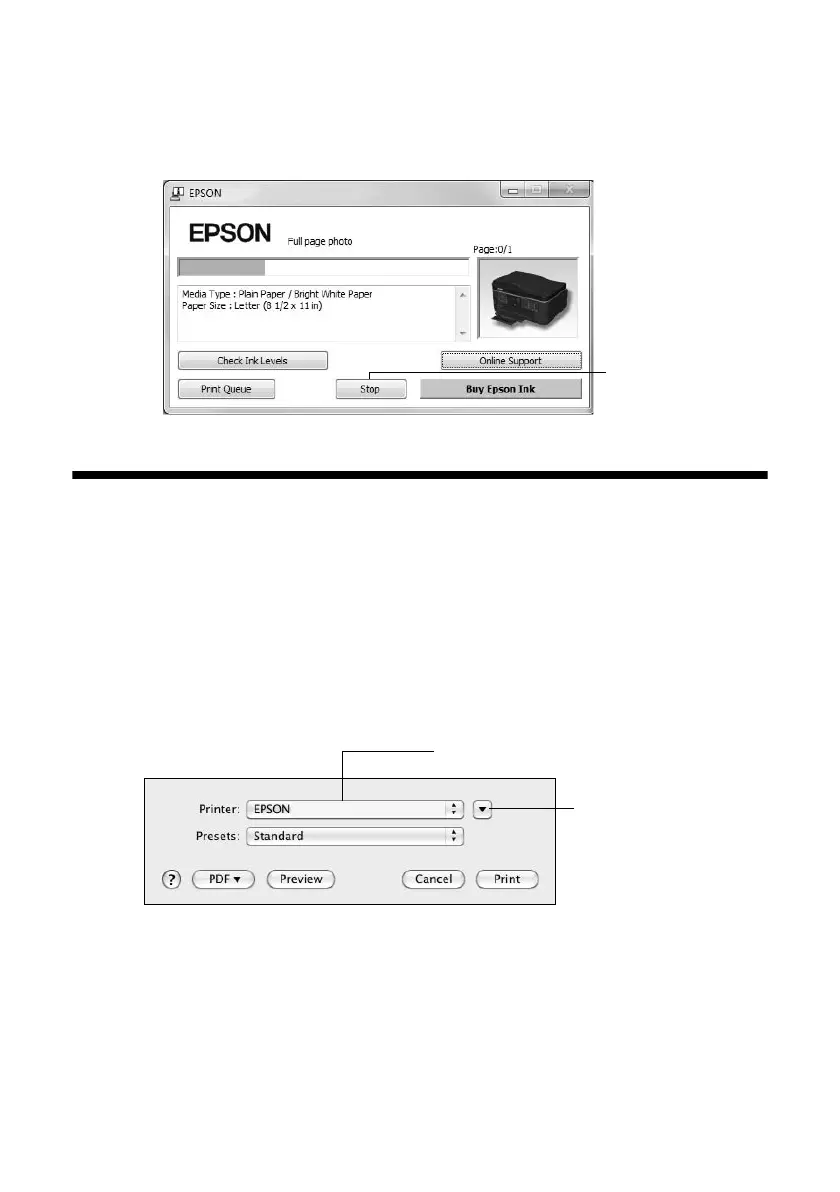
to start printing. This window appears and shows the progress of
your print job.
Printing With a Macintosh
Follow the steps below to print from Mac OS
®
X 10.5 to 10.6.
Note:
If you’re printing from Mac OS X 10.4, see your online User’s Guide for instructions.
1. Open a photo or document in a printing program, open the
File
menu, and
select
Print
.
2. Select your product as the
Printer
setting.
3. Click the arrow to expand the Print window, if necessary.
Cancel
printing
Click to expand
Select your Epson product













 To Next Page