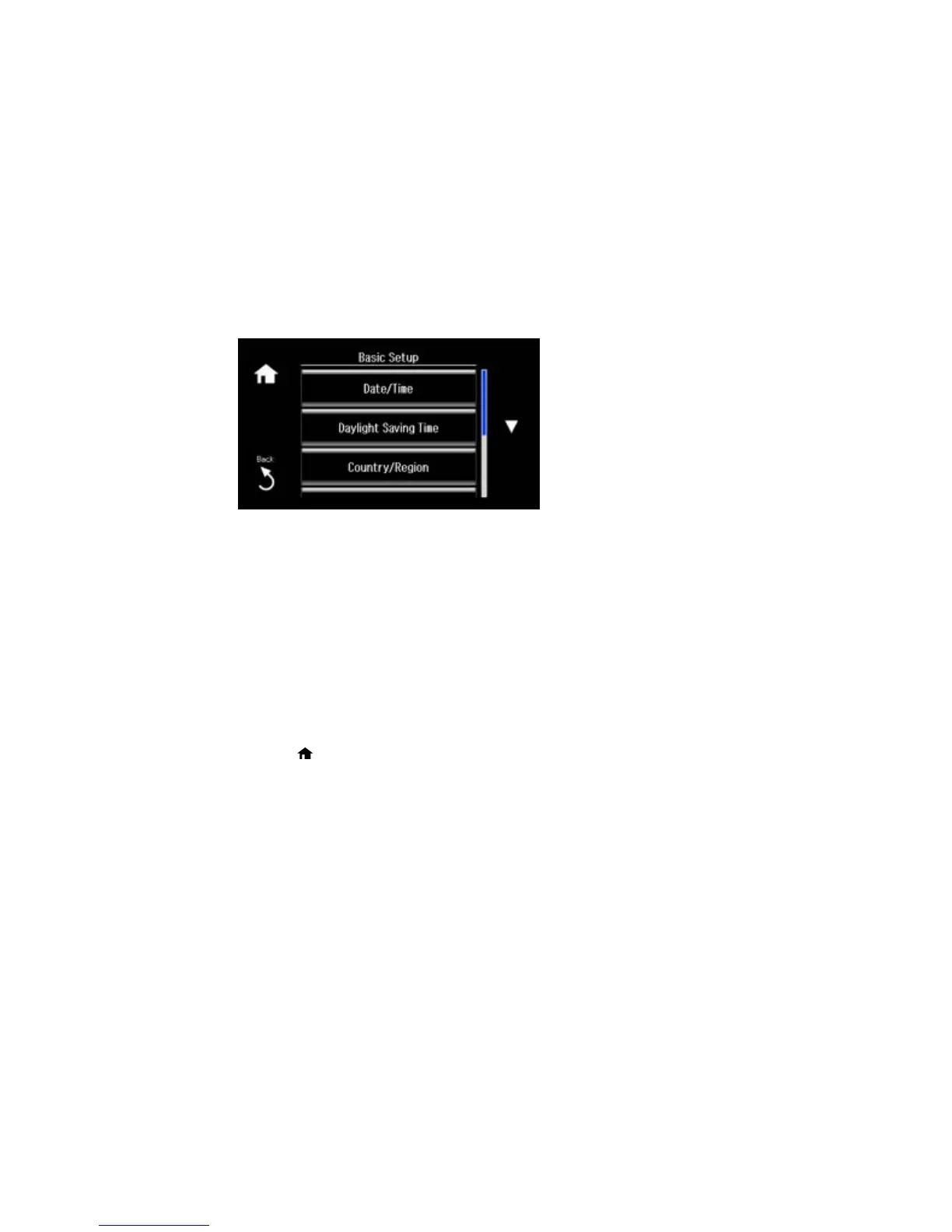
3. Select Basic Setup.
4. Select Country/Region.
5. Scroll up or down, if necessary, and select your country or region.
You see a confirmation screen.
6. If the setting is correct, select Yes. (If not, select No and retry.)
Note: Changing the country or region restores the fax settings to the default settings.
Parent topic: Setting Up Fax Features Using the Product Control Panel
Selecting the Date and Time
Before faxing, select the current date, time, and daylight saving phase in your area, and choose your
preferred date and time format.
1. Press the home button, if necessary.
2. Select Setup.
196















 To Next Page