EasyManua.ls Logo

eQ-3 MAX! - User Manual

eQ-3 MAX!
60 pages
Go to English
Print Icon
To Next Page IconTo Next Page
Loading...
1
Bedienungsanleitung
Operating Manual
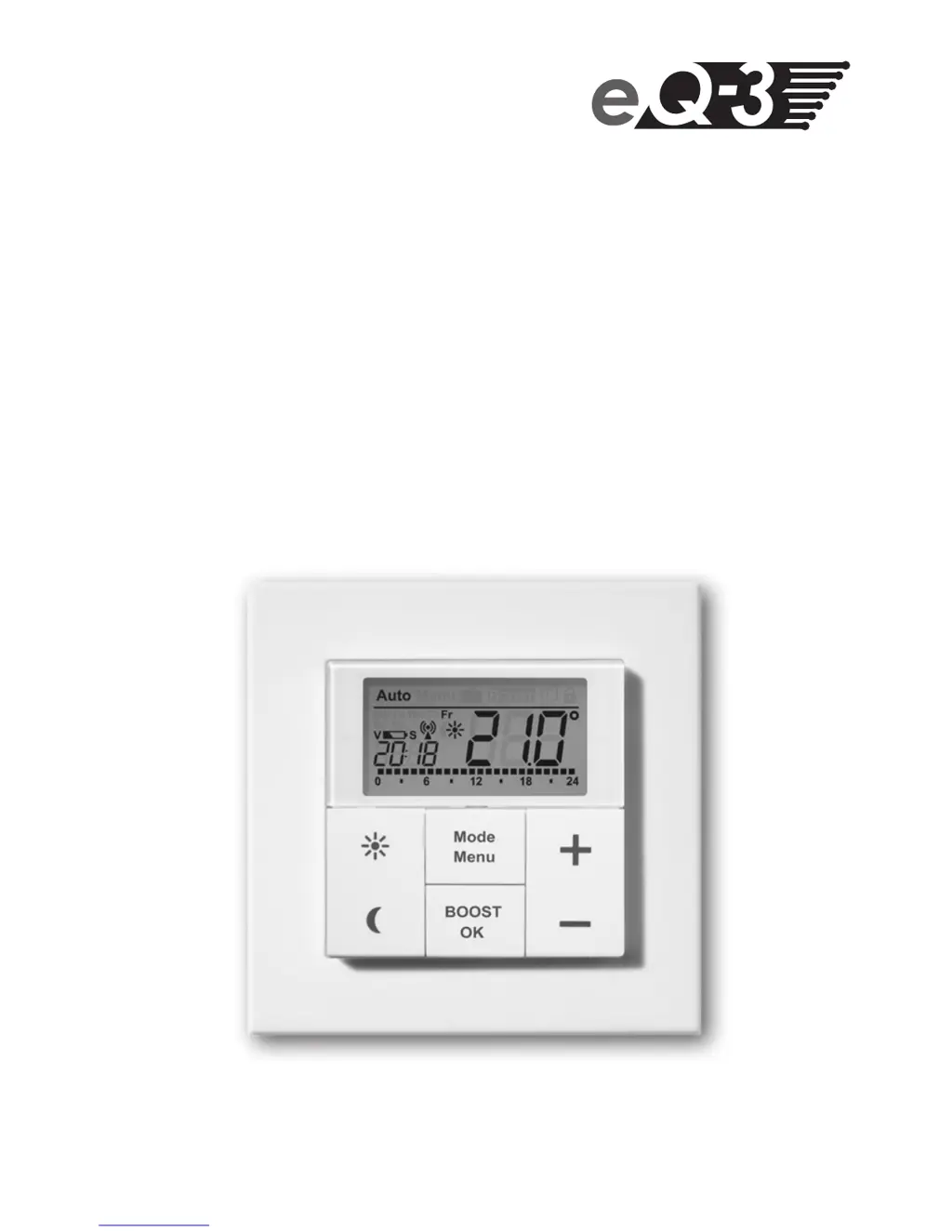
MAX! Wandthermostat
+
Funk-Wandthermostat (S. 2)
MAX! Wireless Wall Thermostat
+
(p. 32)

Table of Contents

Questions and Answers

  • T
    Thomas EdwardsJul 27, 2025
    What to do if my eQ-3 Thermostat shows error F4?
    • T
      Taylor GloverJul 27, 2025
      If your eQ-3 Thermostat displays the error code F4, ensure that the device is not connected to the Cube in the software and then reset the device. After resetting, you can attempt the teach-in procedure again.
  • R
    Robert StewartAug 1, 2025
    What to do if my eQ-3 Thermostat shows error F1?
    • V
      Victor WilkersonAug 1, 2025
      If your eQ-3 Thermostat displays the error code F1, inspect the installation and check if the pin on the heating valve is stuck.
  • P
    Patricia HolmesAug 7, 2025
    What to do if my eQ-3 Thermostat shows error F3?
    • B
      bbutlerAug 7, 2025
      If your eQ-3 Thermostat displays the error code F3, examine the heating valve and check whether the valve pin is jammed.
  • M
    Mrs. Carrie MillerAug 13, 2025
    What to do if my eQ-3 Thermostat shows error F2?
    • M
      Mrs. Dana CaldwellAug 13, 2025
      If your eQ-3 Thermostat displays the error code F2, check the fastening of the actuator.
  • C
    Charles HuangAug 19, 2025
    How to fix battery symbol on eQ-3 Thermostat?
    • J
      James AllenSep 12, 2025
      If the battery symbol is showing on your eQ-3 Thermostat, replace the batteries.

Summary

Setting Date and Time (dAt)

Mounting

Teaching-in of MAX! Components

Operating Modes

Configuration Menu (Menu)

Set Week Programme (Pro)

Enables setting up the weekly heating schedule with multiple time periods.

Comfort and Reduced Temperature

Sets the comfort and reduced temperature levels for daily use.

Device Reset and Teach-out

Troubleshooting and Error Codes

Troubleshooting: Battery Low

Troubleshooting issues indicated by a low battery symbol on the display.

Troubleshooting: Error F4

Troubleshooting error code F4 related to MAX! Cube teaching-in.

Troubleshooting: Error F5

Troubleshooting error code F5 related to temperature sensor defects.

Troubleshooting: Slow Antenna Symbol

Troubleshooting slowly flashing antenna symbol indicating lost connection.

Troubleshooting: Fast Antenna Symbol

Troubleshooting quickly flashing antenna symbol for duty cycle limit.

eQ-3 MAX! Specifications

General IconGeneral
Power Supply2 x AA batteries
CommunicationWireless
DisplayLCD
TypeRadiator Thermostat
Wireless Technology868 MHz
Power SourceBattery
Controllable via AppYes
BrandeQ-3
ModelMAX!
CategoryThermostat
CompatibilityMAX! system
Temperature Range5 - 30 °C