49
• Conrm setting with the OK button.
• Repeat this procedure until temperatures are stored for
the entire period between 0:00 and 23:59.
In Auto mode the selected week programme will be automa-
tically adopted by all taught-in MA X! Radiator Thermostats.
In Auto mode the temperature can be changed at any
time with the (+) and (-) buttons or comfort (
) and redu-
ced temperature (
) buttons. The adjusted temperature
will be maintained until the next phase in the timer pro-
gramme starts.
Week programmes: Examples
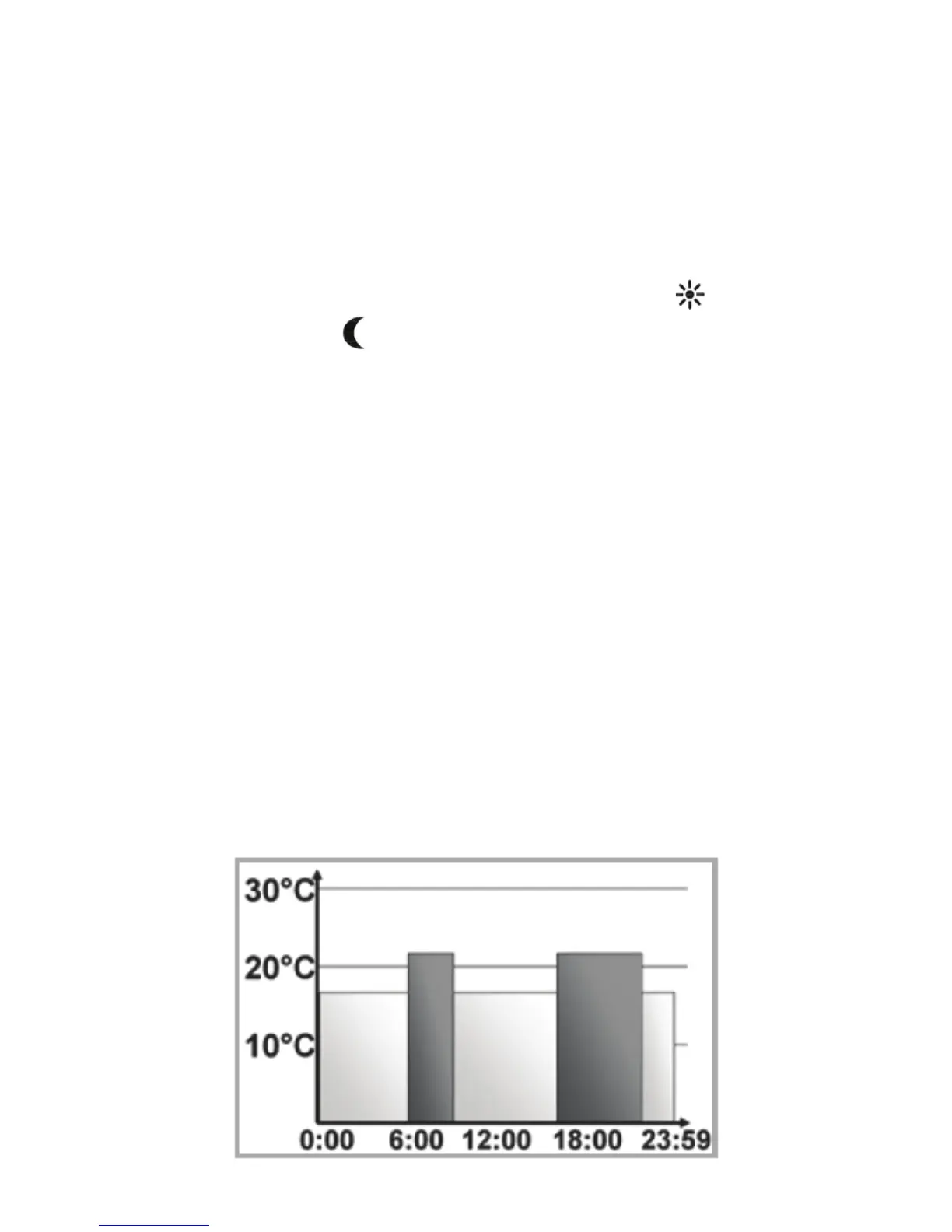
For each day of the week up to 6 heating phases (13
change settings) with individual temperature settings can
be saved with the Wall Thermostat. The factory settings
are as follows:
Monday - Friday:
from 00:00 to 06:00 17.0°C
from 06:00 to 09:00 21.0°C
from 09:00 to 17:00 17.0°C
from 17:00 to 23:00 21.0°C
from 23:00 to 23:59 17.0°C


 To Next Page