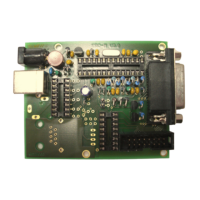
EASY-ROTOR-CONTROL M V2.2 Instructions
___________________________________________________________________________
© Ing.-Büro E. Alba de Schmidt web : www.schmidt-alba.de
Tannenstr. 16 Page 37 of 44 email : erc@schmidt-alba.de
86836 Untermeitingen / Germany
This document is for the user only. Any publishing (printed or in electronic form) is not allowed.
Attach the 16-pole flat-ribbon-cable into the
connectors as shown.
Connect the ERC-M to DC-supply or USB to check
contrast settings. After start-up you should see a
start-up-screen like this:
Adjust the contrast with the potentiometer R1 on the
backside of the HID-PCB.
Put the top-cover onto the housing and fix it with 4
screws 2.9x6.5mm
Here we are: READY to go



 To Next Page