27
5. Other operation
5.1. Connection of external power
There is an external power input interface at the bottom of the camera, you can use the external power
supply to charge, For example, solar battery, DC power supply, storage batteries and so on.
External power supply must be with DC 6V 2A
The bottom of the waterproof cover will be opened for external power supply, so the camera waterproof
grade will be reduced. The camera can’t be inverted installation, not even put in the water at this time.
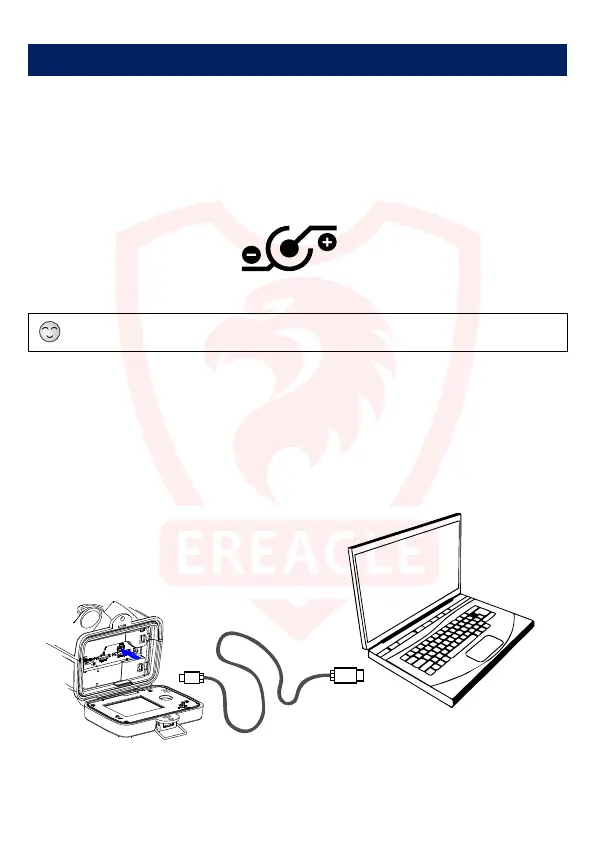
Polarity of power interface
When purchasing power supply, please note that the rated voltage, current, power connector and polarity.
5.2 USB cable use
Connect the USB cable to the USB port on the PC, the PC will automatically recognize and install the
camera driver. When the recognition is complete, the mobile disk will appear in the computer. At this point the
user can copy file from the mobile disk and delete the file.
USB cable can be directly used for PC-side software to set the camera parameters.



 To Next Page