Operation Manual
Version: 12/01
15
er900L Operation Manual
Art-Nr: 475.043
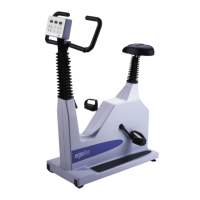
Ergometer
Type er900L
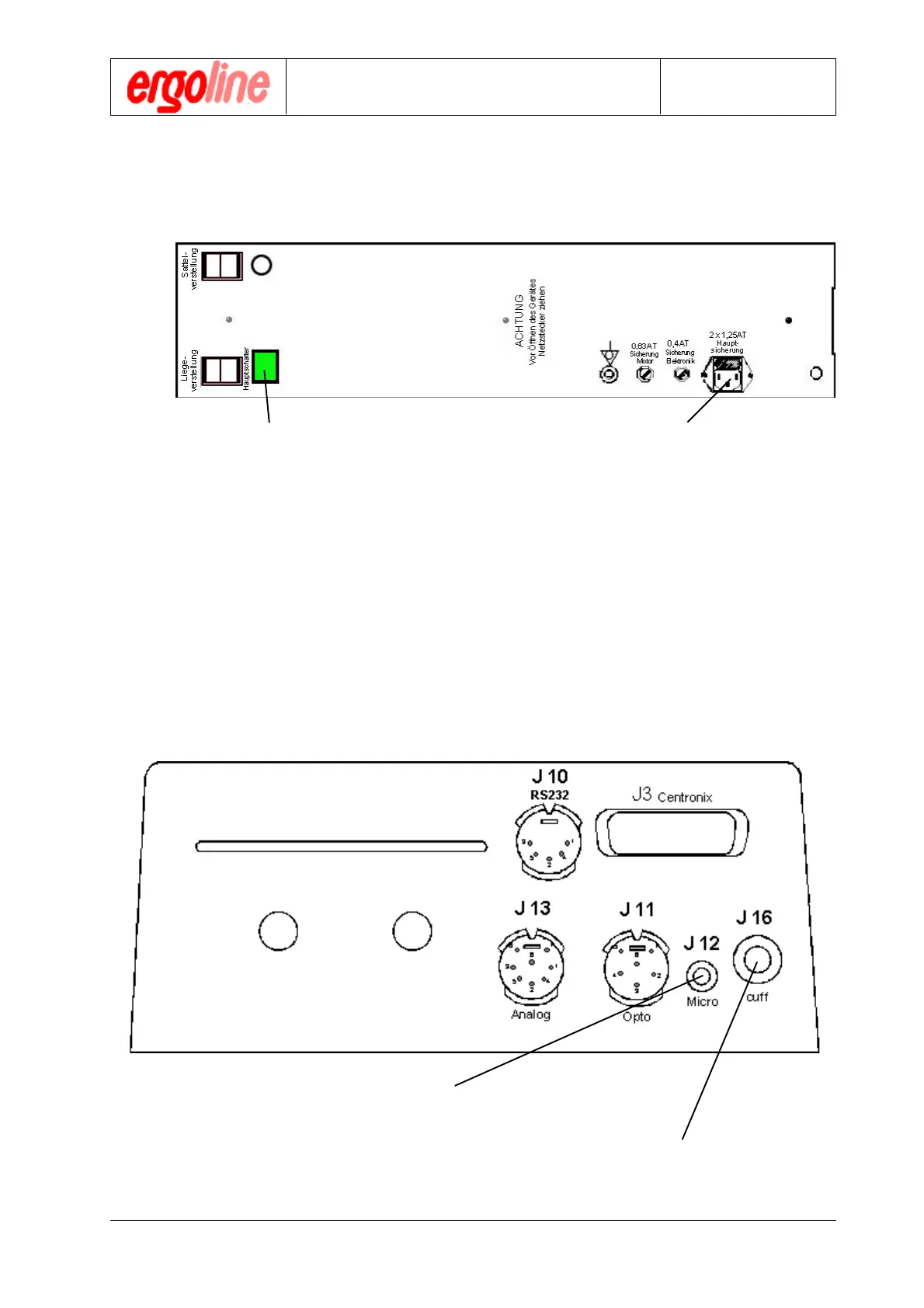
The cuff tube is to be connected
via Luer-Lok to J16 with the measure-
ment head .
The microphone cable is to be
connected via RCA-Jack to J12
Putting into Operation
4.3 Connectors and Interfaces
4.3.1 Power Connection
1) Make sure that the unit power switch is in
the off position (not depressed).
!
When using an ergoline utility cart with suction device, connect the unit’s power
plug to one of the white outlets on the utility cart. The ergometer can then be switched
on and off together with the suction device.
4.3.2 Connector for Blood Pressure Cuff
2) Connect the unit’s power plug via the sup-
plied mains cable to power outlet with same
voltage as indicated at the indication label

 To Next Page
 Loading...