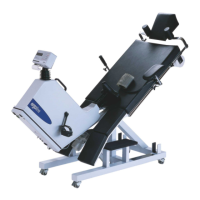
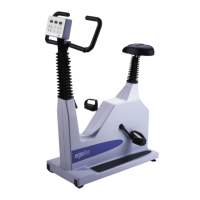
Operation Manual
Version: 12/01
71
er900L Operation Manual
Art-Nr: 475.043
Ergometer
Type er900L
!!
!!
!
!!
!!
!
!!
!!
!
MONITOR V.XXX
ECG - TYP
TRANSM.SPEED
LANGUAGE
!!
!!
!
!!
!!
!
!!
!!
!
"
"
"
TRANSM.SPEED M
2400 Baud (*)
4800 Baud (*)
MONITOR V.XXX
ACTIVATE PROGRAM
ADJUST CLOCK
mmHg - kPa
Appendix B: Monitor Program
B.1.2 Setting the Baud Rate
Use of the RS-232 interface requires that the transmission rate of data sent and received
(baud rate) be established. For some modes of operation this baud rate is fixed and with
others it must be selected. If you have selected a particular ECG device, the baud rate is
already fixed. The baud rate is 4800 for interface modes P1, P2 and P10. You only need to
alter the baud rate when a value of 2400 is required (instead of 4800).
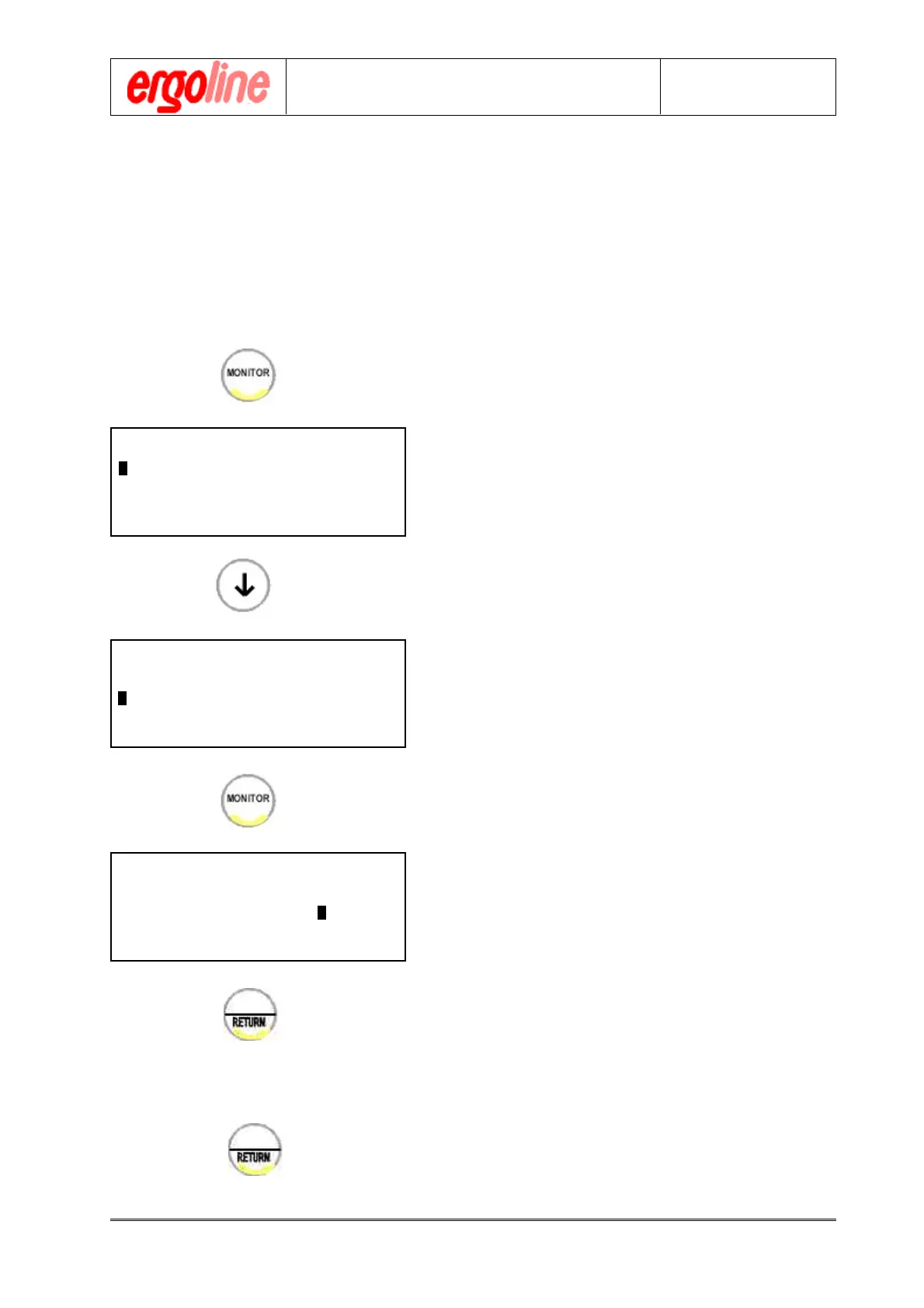
# Press the „MONITOR“ key
The monitor main menu will appear in the dis-
play.
# Use the arrow keys in the alphanumeric key-
pad to move the cursor to the menu item
„BAUDRATE“
# Call up this subprogram by pressing the
„MONITOR“ key again.
# Move the cursor with the arrow keys in the
alphanumeric keypad to the desired
baudrate.
# Confirm your programming entries by press-
ing the „RETURN“ key. The main menu will
appear again.
You may now continue with other settings or
exit the monitor program by pressing the „RE-
TURN“ key again.


 To Next Page
 Loading...