35
Abbreviated Numbers
BusinessPhone - Analog Telephone
Individual abbreviated numbers
You can program and activate your most frequently used external
numbers on the keys ”
**
0” to ”
**
9”.
**
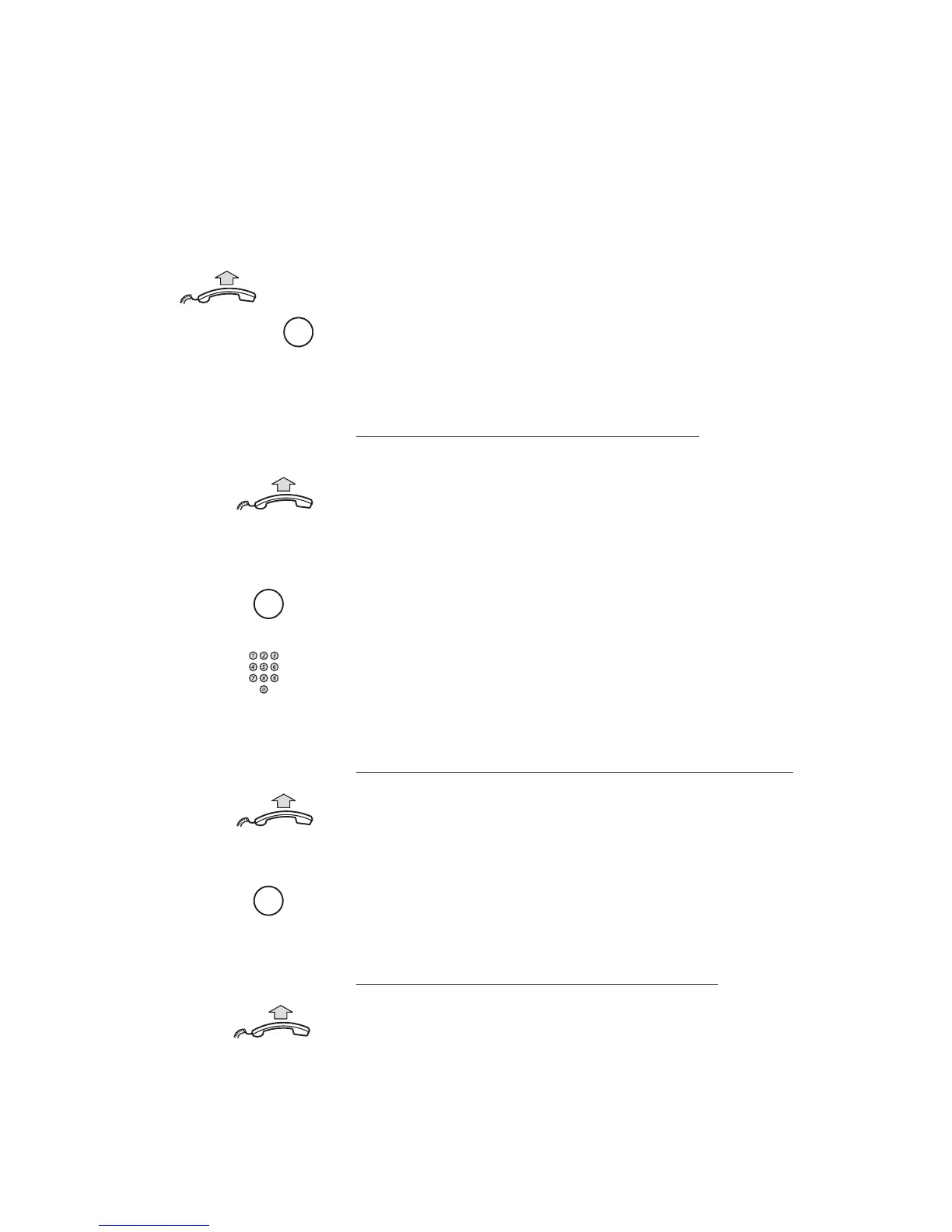
Lift the handset and press
Dial the abbreviated number
A number between 0 and 9.
Program individual abbreviated number
How to program external numbers on the keys 0 to 9.
Lift the handset
*
51
*
Enter programming mode
*
Select an abbreviated number between 0 and 9 and press
#
Dial the number and press
The number can consist of up to 24 digits.
Cancel one specific individual abbreviated number
Lift the handset
#
51
*
Press
#
Enter an abbreviated number between 0 and 9 and press
Cancel all individual abbreviated numbers
Lift the handset
#
51
#
Press
Confirmation tone.










 To Next Page