128 WAP Services
To open a bookmarked WAP services page:
1.
Do one of the following:
•
Tap
Bookmarks
on the WAP services desktop.
or
•
Tap and select
Bookmarks
.
The Bookmarks view appears displaying a list of all saved
bookmarks.
2.
Scroll and select the bookmark you want to load.
The chosen WAP services page opens.
To bookmark a WAP services page you are currently viewing:
1.
With the page you want to bookmark displayed, tap and select
Add current to bookmarks
.
The ‘Add Current to Bookmarks’ view is displayed.
2.
Enter the appropriate information:
•
Name:
Enter a name for the bookmark, or keep the default
name.
•
Location:
Displays the URL address. Do not change the address
as it is required by the bookmark for connection.
•
Profile entry:
Displays the WAP profile used for this bookmark.
3.
Tap to save the bookmark.
The bookmark is now stored and you can easily open the
bookmarked page the next time you want to access it.
To add a new bookmark:
1.
Tap
Bookmarks
on the WAP services desktop.
The Bookmarks view is shown.
2.
Tap and select
New bookmark
.
Note: You can also tap and select
New bookmark
when in the Edit
bookmarks view.
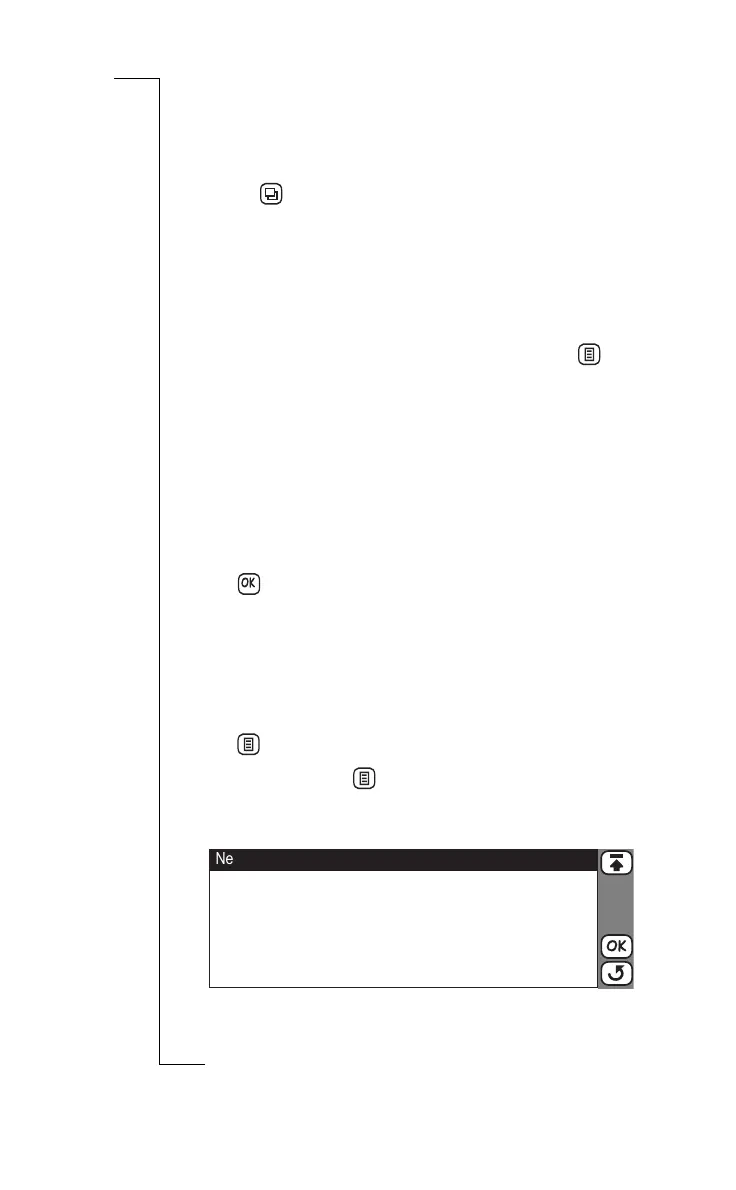
The New bookmark view is shown:
3.
Enter the appropriate information.
OK
New Bookmark
Name:
Location:
WAP profile:
<Enter gateway name>
<http: / />
<[Use default]>


 To Next Page