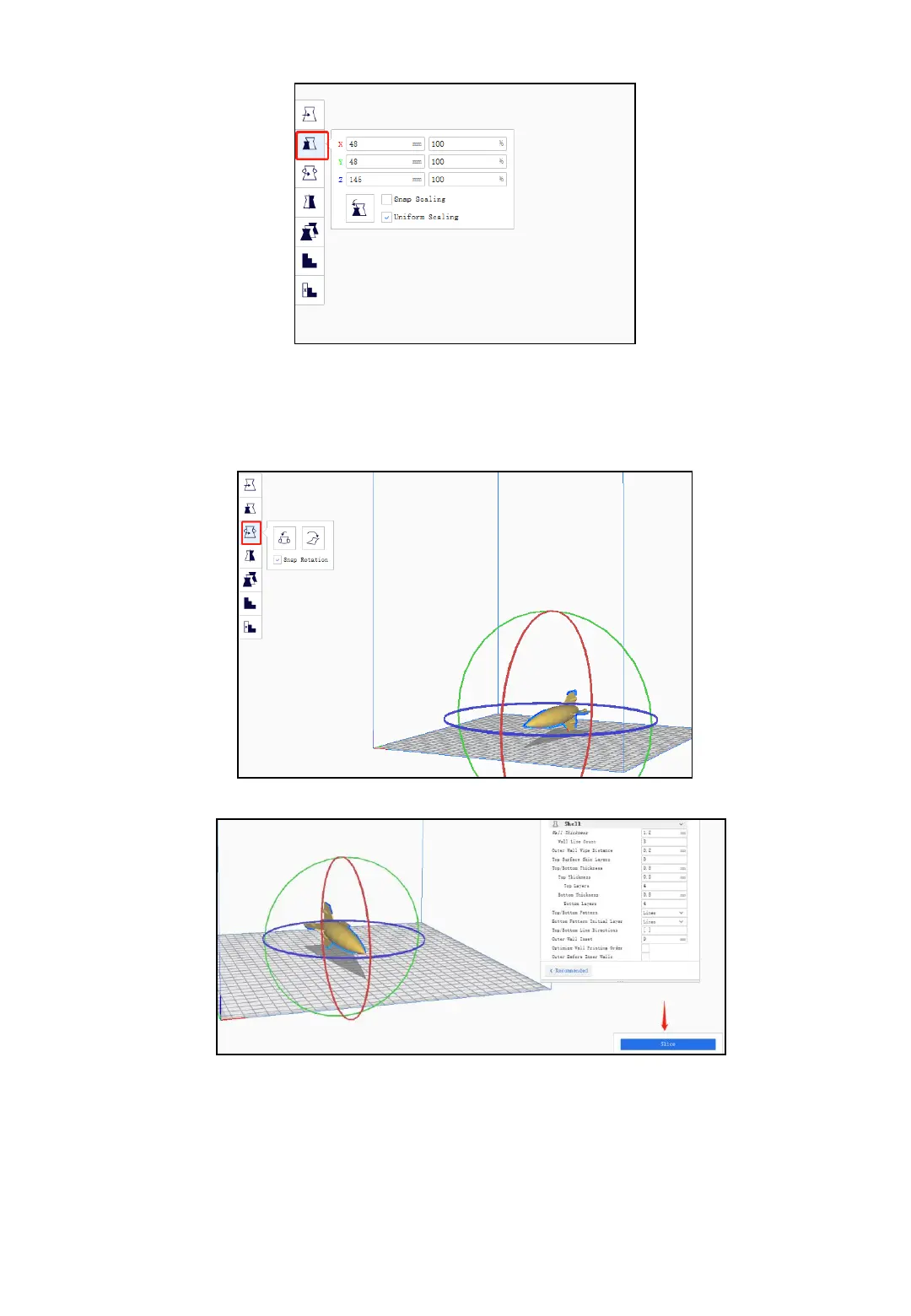
Rotation
If you find that the model is not placed well. Then you can click rotation
icon to adjust it.
After that, you can click the slice icon and you can save it to SD card.
5.5 Printing via SD card
Power on your 3d printer at first. Insert the SD card into the printer then
click LCD button.
Click the menu “Print from SD card “ and choose the file you saved.
When the printer is up to temperature the print will begin.
16



 To Next Page