-Load the filament
Note: The extruder will not work until the temperature
is higher than 170℃.(Temperature protection feature)
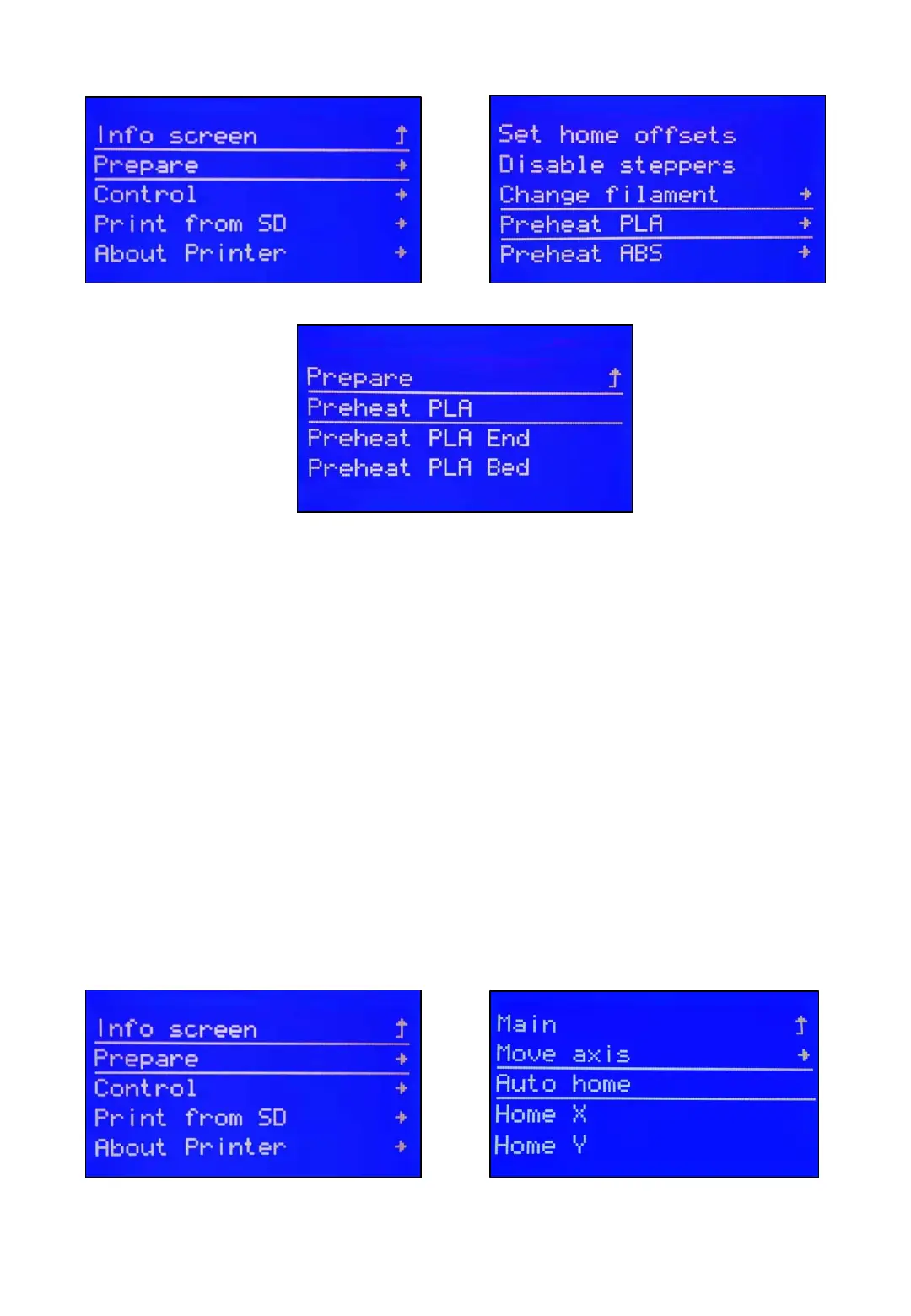
Preheat your hotend at first. Click your LCD button→Prepare→Preheat PLA End.
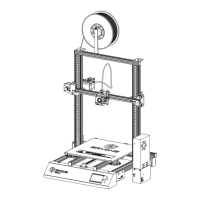
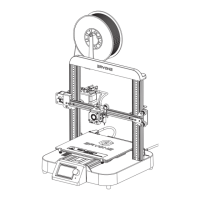
Insert filament into the Teflon tube. When the filament goes though extruder block,
with one hand press the handle, make sure the filament can go though the slot of
the gear, then guide filament in by hand till filament starts to string from the hotend.
After pushing the filament into the bottom of hotend, click LCD
button→Prepare→Auto home
8



 To Next Page