-- 1 7 --
dia3d1ea
4 INSTALLATION
4.1 General
The installation must be executed by a professional.
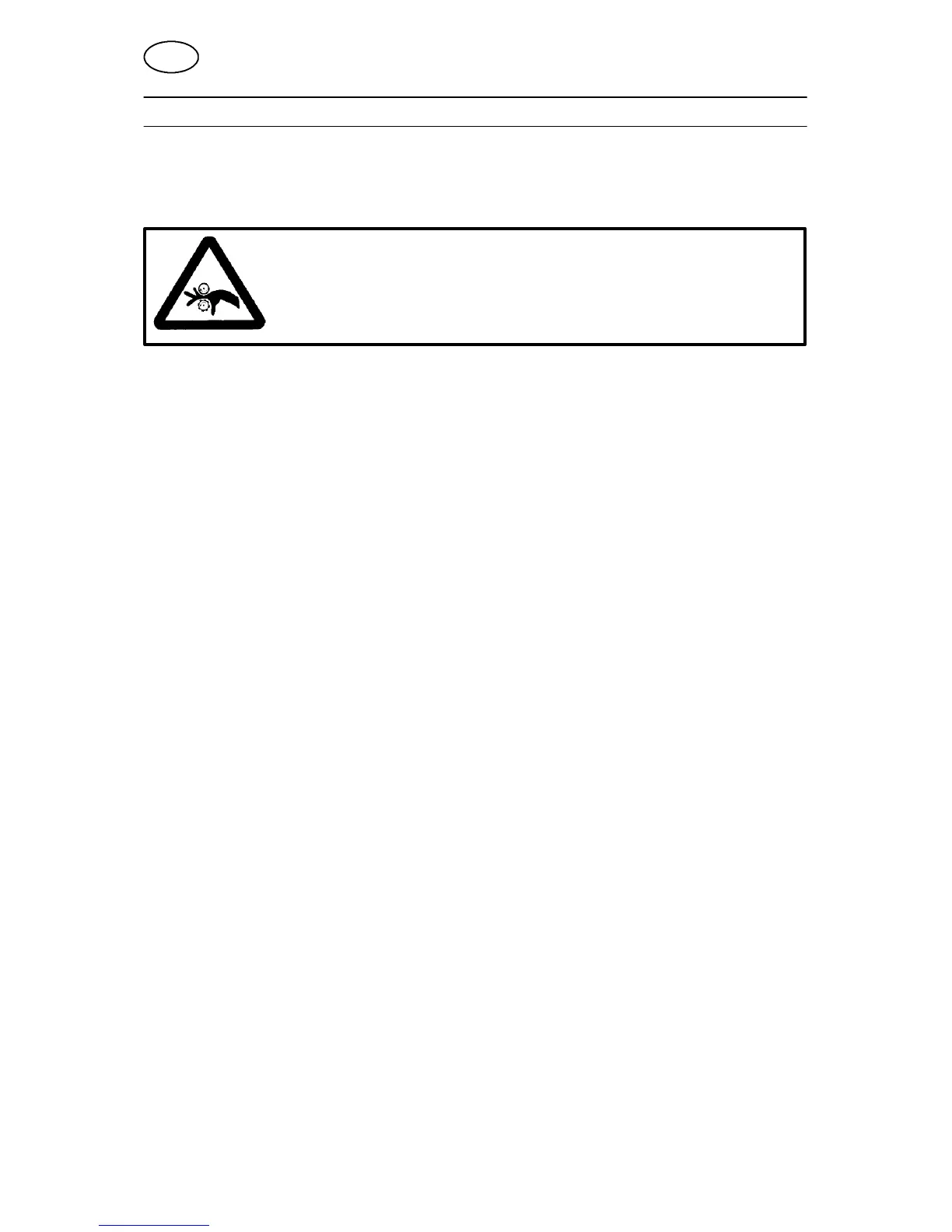
WARNING
Rotating parts can cause injury, take great care.
4.2 Assembly instructions
1. Follow the instructions below for the conversion of L AH 630:
S Dismount the cable stem, excluding the cables 034 and 035 for the power supply
of the control transformer.
S Dismount all electronics boards and their fittings.
S Dismount the control panel.
S Remove the lower fuse (K21.2 = fuse for 42 V AC from the control transformer
K9).
The other two fuses are to be re--used together with the rubber spacers, but
fitted elsewhere in the power source.
S Remove the multi--pole contact devices on the bottom plate and cover the holes
by way of two plastic plugs from the kit.
S Remove the signs (a sticker and a screwed sign marked 42 V) from the bottom
plate.
S Dismount the terminal block on the control transformer.
S Cover the contactor and the control transformer before drilling new mounting
holes.
S Drill the holes according to the drilling diagram for the attachment of
-- the fuse --bases (FU1)
-- the electronics board (AP1)
-- the contactor (KM2)
-- the discharging board with the 12--pole contact device (XS4).
S Fit a new (AP1) circuit board with box on the plate, using the insulating washers
and self --tapping screws which form part of the conversion kit.
S Connect the discharge capacitor to earth.
S Set the two DIP switches (SW1 and SW2) on the board according to the
instructions in the LAF manual.
S Fit the 12--pole contact (XS4) and the discharging board on the medium plate.
S Connect a new cable stem according to the connection diagram.
S Mount the cables for the emergency stop on the control panel. Then connect the
control panel to the cable stem.
GB



 To Next Page