
 Need help?
Do you have a question about the Esaote MyLab and is the answer not in the manual?
Discusses handling of batteries and LCD screens as special waste according to local regulations.
Covers safe movement and parking of the system, including use of brakes and attachment of peripherals.
Details system compliance with IEC 60601-1-2 standard for electromagnetic environments.
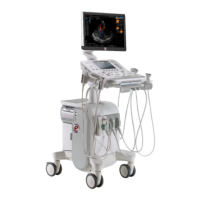
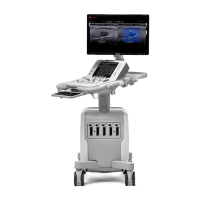
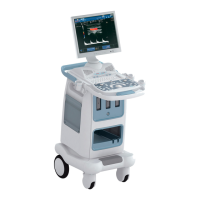
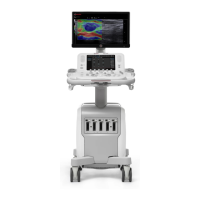
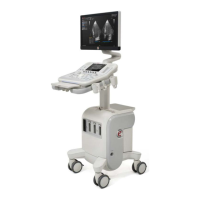
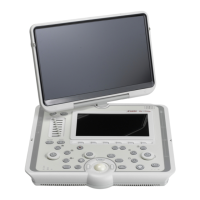
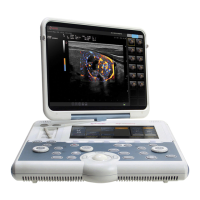
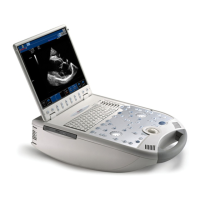
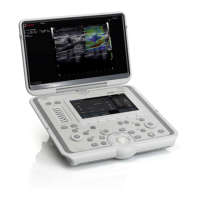
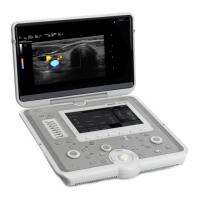
Overview of MyLab configurations (Arm-held, Basic Stand, Desk Stand, Mobile).
Details battery operation, charging, status indicators, and maintenance.
Precautions for moving and transporting the system.
Covers the process of starting, conducting, and ending an ultrasound exam.
Guides on entering patient data and managing exam records.
How to perform basic measurements like distance, area, volume, and angle.
Using calculation packages for anatomical structures.
How to access the system menu for configuration and settings.
General guidelines for cleaning the system and peripherals.
Key technical specifications of the MyLab system.
 General
| Type | Ultrasound System |
|---|---|
| Applications | General Imaging, Musculoskeletal |
| Probe Connectors | Multiple |
| Display | High-resolution LCD monitor |
| Portability | Portable/Mobile (some models are more compact and designed for point-of-care use) |
| Software Features | Contrast Enhanced Ultrasound (CEUS), Elastography |
| Dimensions | Varies by model |
| Weight | Varies by model |
| Power Requirements | Varies by model and region |



 To Next Page