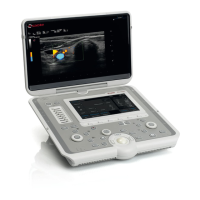
Need help?
Do you have a question about the Esaote MyLab40 and is the answer not in the manual?
Keys for starting/ending exams, managing patient data, probe/preset selection, and accessing the exam database.
Functions for switching between B-Mode, M-Mode, Doppler, Color modes, and dual image display.
Features for zooming, depth adjustment, cursors, image updates, and performing measurements.
Access to system menu, printer control, pointer operation, cursor selection, undo, and reset settings.
Guidance on using software keys (buttons/toggles) for parameter adjustment and function control.
Ensuring proper grounding, avoiding cover removal, and using specified fuses to prevent shock hazards.
Avoiding flammable mixtures, moisture, defibrillation pulses near probes, and interference with pacemakers.
Guidelines for handling dropped probes, cleaning transducers, and avoiding sterilization methods that damage probes.
Adhering to legal restrictions (e.g., US physician orders) and ensuring correct peripheral connections.
 General
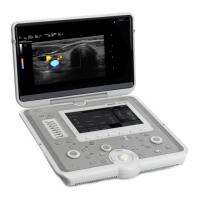
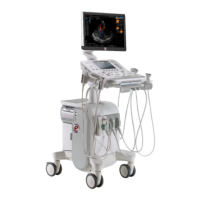
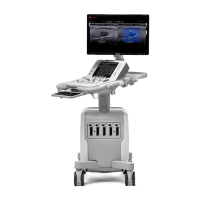
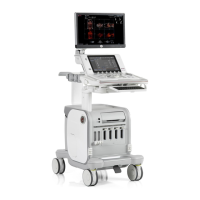
| Type | Ultrasound System |
|---|---|
| Display | 15-inch LCD |
| Power Supply | 100-240 V AC, 50/60 Hz |
| Frequency Range | 1.0 MHz to 18 MHz |
| Transducer Types | Convex, Linear, Phased Array, Endocavity |
| Application | General Imaging, Cardiology, Obstetrics, Gynecology, Vascular |
| Operating Modes | B-mode, M-mode, Color Doppler, Power Doppler |
| Connectivity | USB, DICOM, Ethernet, Video Out |
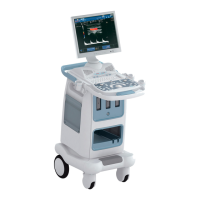
| Portability | Cart-based, not portable |

 To Next Page