
 Need help?
Do you have a question about the Esaote MyLab X8 and is the answer not in the manual?
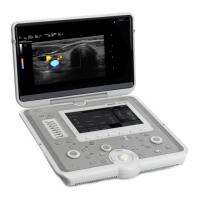
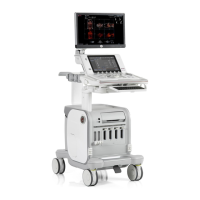
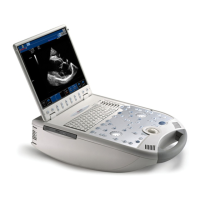
Details the various physical components and key features of the MyLab X8 system.
Explains how to adjust the monitor, keyboard, and arm for optimal user positioning.
Covers connecting to mains, switching on, and understanding boot-up/standby times.
Describes the navigation bar, encoders, buttons, and touchscreen elements of the control panel.
Procedure for entering patient and operator identification details.
Selecting the correct probe, application, and system presets for imaging.
Performing scans using easyMode for image optimization and advanced features.
Accessing and visualizing previously stored images and data.
Reviewing and finalizing patient measurements and findings for reports.
Concluding the examination and saving data in various formats.
Identifies the various ports for connecting external devices and networks.
 General
| Type | Ultrasound System |
|---|---|
| Touchscreen | Yes |
| Portability | Portable |
| Applications | Cardiology, General Imaging, Obstetrics, Gynecology, Musculoskeletal |
| Probes | convex, linear, phased array |
| Technology | Digital Beamforming |
| Connectivity | Wi-Fi, Ethernet, USB |
| Operating Modes | B-Mode, M-Mode, Color Doppler, Power Doppler |
| Display | 15.6" LCD monitor |
| Frequency Range | 2-18 MHz (depending on the transducer) |




 To Next Page