E4 Attaching and Removing the Pivot Drawer
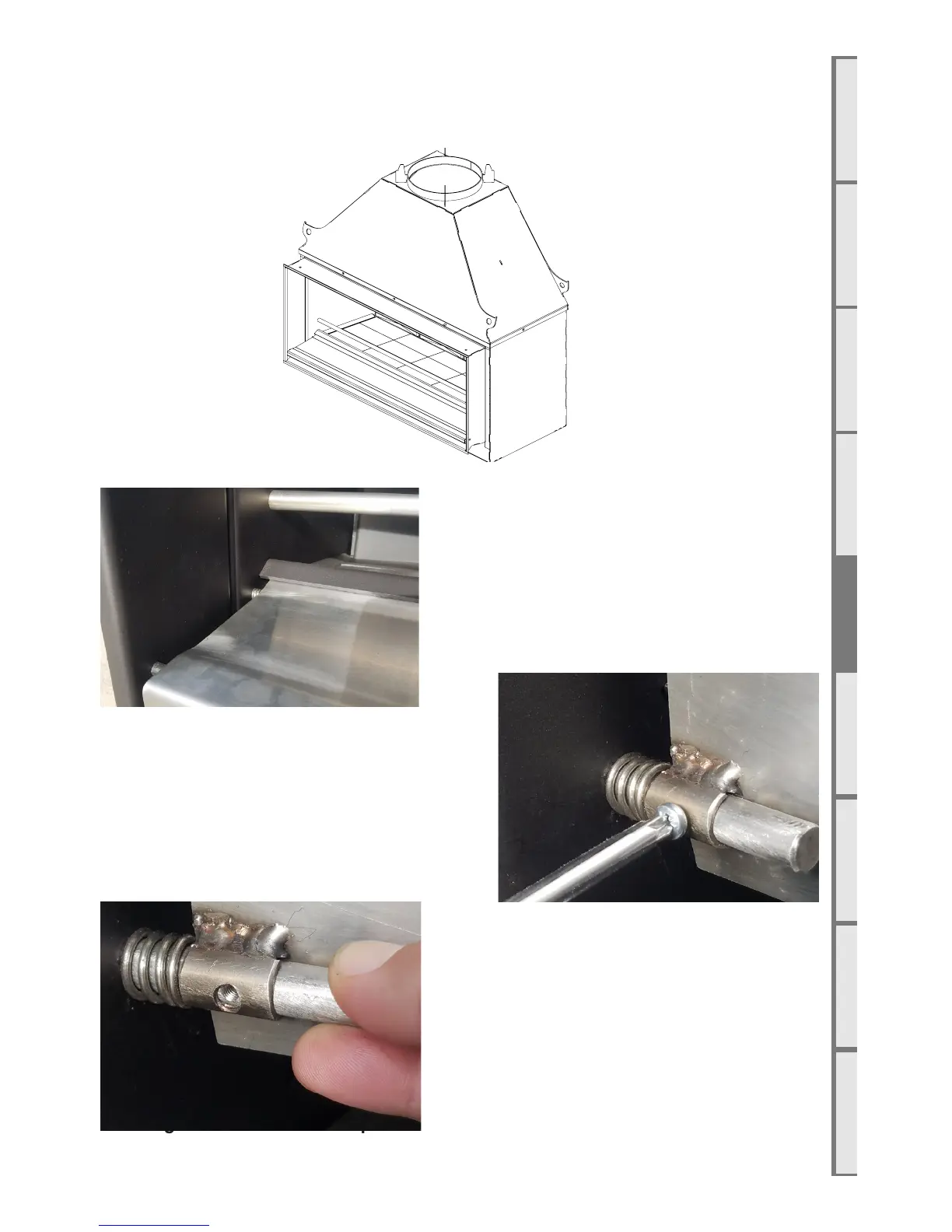
The stainless steel pivot drawer at the front of the fire, shaded grey in the diagram below, can
be attached and removed from the fire for cleaning or repair. To remove the drawer, follow the
instructions below.
E5 Using the Weather Cover (Optional Accessory)
The weather cover (shown below) provides protection from the elements for the interior of the firebox.
It is an optional accessory that can be purchased from your local Escea dealer. Ensure that the firebox
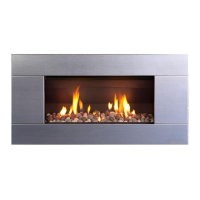
The drawer is centrally located by a spring on
both the right and left hand sides.
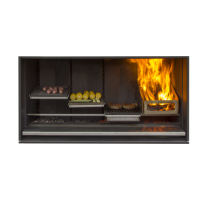
Flip the drawer up and remove the screw holding
the pin in place.
With the screw removed, pull on the pin to remove
it. Place one hand beneath the spring to catch it as
the pin is removed. Repeat this on the opposite side
to remove the other pin. The drawer will now slide
out.
To replace the drawer, reverse the above steps.


 To Next Page