10
ExpertMeter
ESCORT’s exclusive ExpertMeter option is also
designed for the advanced detector user. In this
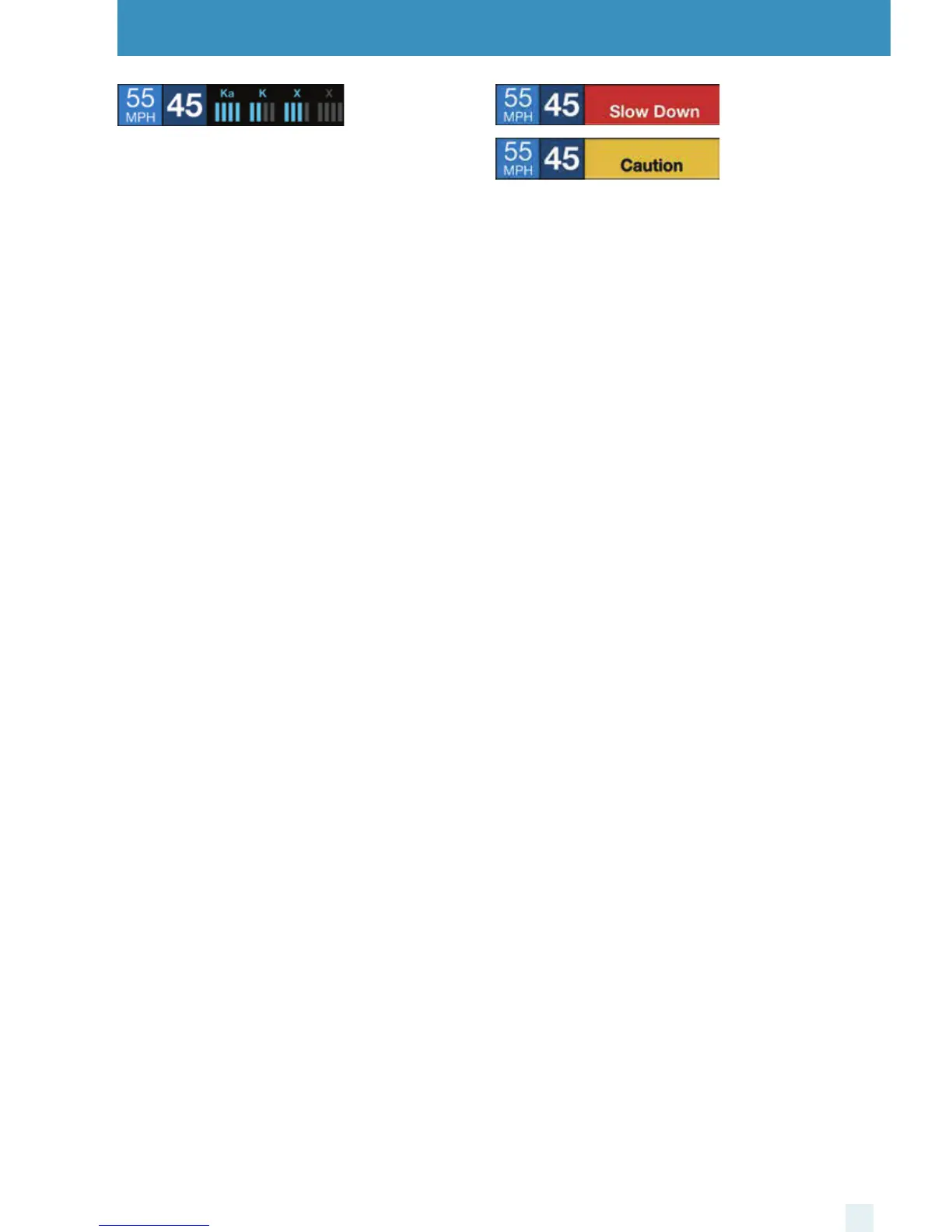
mode, ESCORT iX simultaneously tracks up to four
radar signals. It shows each band along with a bar
graph of its signal strength. In the image above, a Ka
band, K band and two X bands are being detected
with the greyed out X band being a locked out false.
ExpertMeter can help you spot a change in your
normal driving environment (e.g., a trac radar unit
being operated in an area where there are normally
other signals present).
Settings & Preferences
Simple
In this mode, Simple messages replace actual bands
and signal strengths or frequencies. “Caution” is
used when an alert is received while you are traveling
below your current Cruise Alert setting (or posted
speed limit for current location, when connected to
ESCORT Live). “Slow Down” is displayed when an alert
is received while you are traveling above the current
Cruise Alert setting (or posted speed limit for current
location, when connected to ESCORT Live).
NOTE: ESCORT iX’s selectable bands feature allows you to
customize which bands are monitored. For details on
modifying your band detection, see the Settings &
Preferences section. For details on the various radar/laser
bands and how they work, see the Understanding Your
Detector section.



 To Next Page