Dash Cam Instructions
View and Edit Videos on Your
Smartphone
Install and run the Drive Smarter® app on
your smartphone
1
Once you have installed the Drive Smarter® App,
follow the steps below to connect the Road Scout
to your smartphone:
2
Press and hold the BRT button until “CAMERA”
appears on the display. If “Drive Smarter®” appears,
press and hold BRT again.
3
On your smartphone: Go to the Wi-Fi menu in your
smartphone’s settings and select network SSID:
“MAXcam 360c“; if a password is required, enter
“12345678“.
Note: make sure this step is done on your smartp
hone
settings, not on the app.
4
After your smartphone Wi-Fi is connected to the
MAXcam 360c, launch the Drive HD App.
Live view from the dash cam will be available on the
Drive Smarter® screen on your smartphone, as well as a
full control menu.
You’re all set!
27
drivesmarter.com/downloads
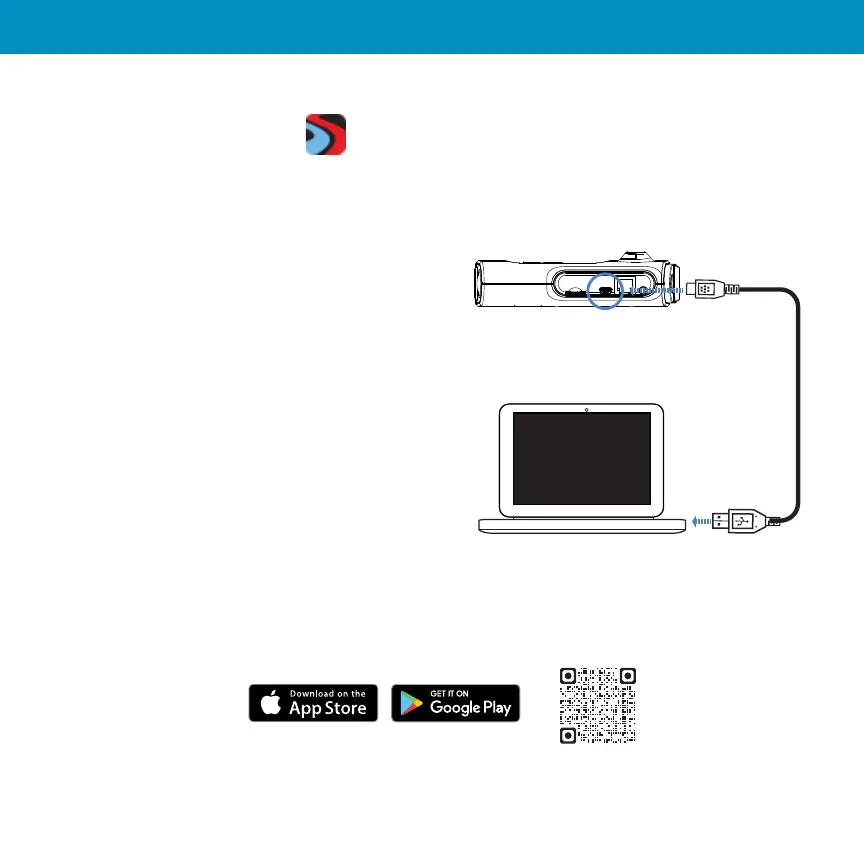
Or use the included Mini USB Cable to update
software, view, edit and share camera footage
using your desktop.
Mini USB Data Cord


 To Next Page