3
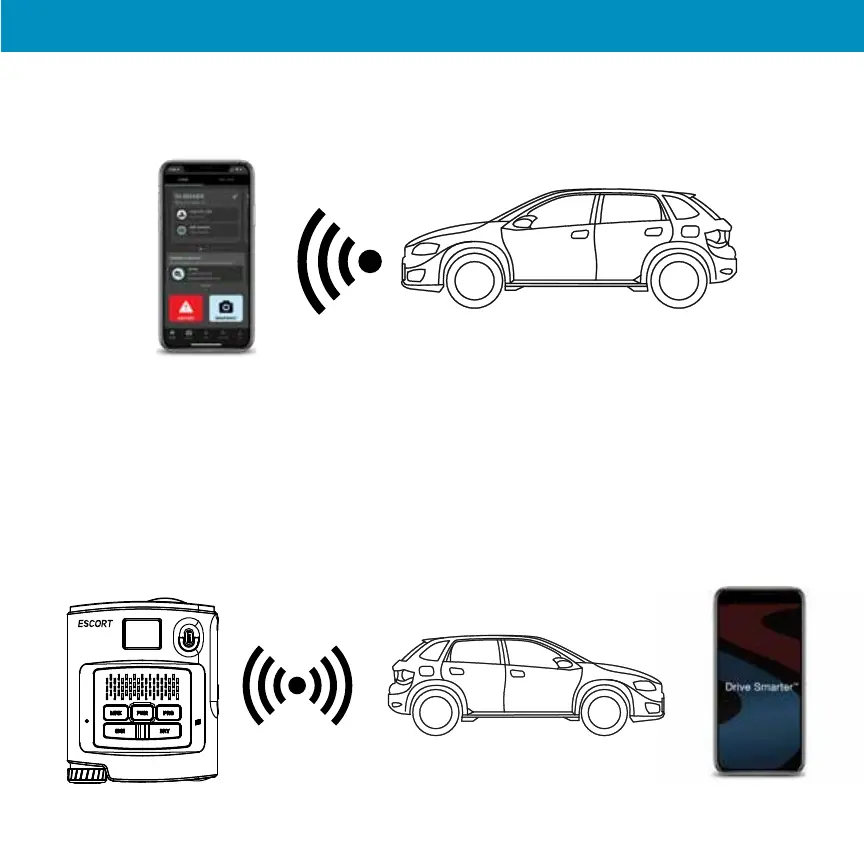
Connect your smartphone to your car’s Wi-Fi (or make sure it is connected), through the
phone’s SETTINGS.
4
In the Driver Smarter app, go to Wi-Fi Settings > Connect to Wi-Fi > enter your car’s hotspot password
and press JOIN.
After successfully connecting to Wi-Fi, the Wi-Fi icon will change to white.
Your phone will share the car’s hotspot SSID and password with your MAXcam 360c so the MAXcam 360c
can connect directly to the hotspot.
29
MaxCam 360c


 To Next Page