Download and Connect to Drive Smarter® App
1 Power on MAXcam 360c.
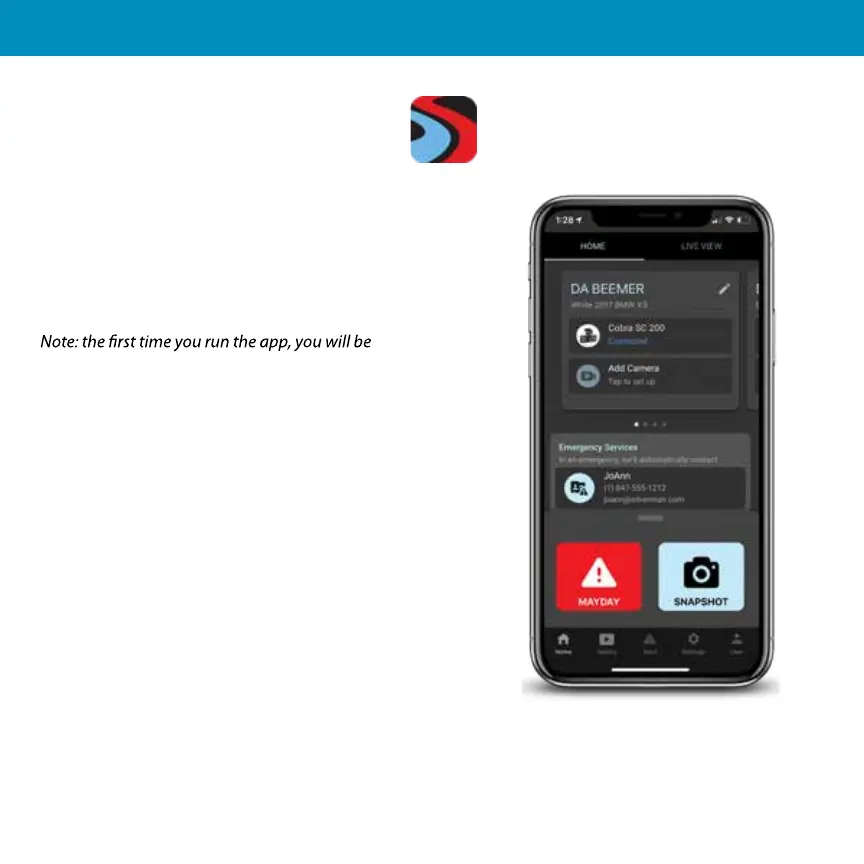
2 Install and run the Drive Smarter® app on your
smartphone.
3 In the Drive Smarter® app, press the Account
button then select “Add Camera”
4 Follow the prompts in the Drive Smarter app to
connect MAXcam 360c and your mobile Wi-Fi hotspot.
prompted to register a new account.
5


 To Next Page