162 ESI Operation Manual
1. Activate Preset Definition module.
2. Select Realtime Controls (0).
3. Select a controller.
REALTIME CONTROLS
1 Pitch Control
1 Pitch
Select a Controller
The eight assignable controllers are:
1. Pitch Control
2. Mod Control
3. Pressure Control
4. Pedal Control
5. MIDI A Control
6. MIDI B Control
7. Footswitch 1 Control
8. Footswitch 2 Control
4. Move the cursor to line three and select the destination for the
previous selected controller. For some presets on factory disks,
default destinations will already have been selected. For other
presets, all control sources may be turned Off. Each destination can
be controlled by only one controller.
✱
Tip:
Brass sounds often increase in
brightness towards the end of the note.
Simulate this effect by using the pedal or
wheel to increase the filter cutoff frequency
towards the end of the note.
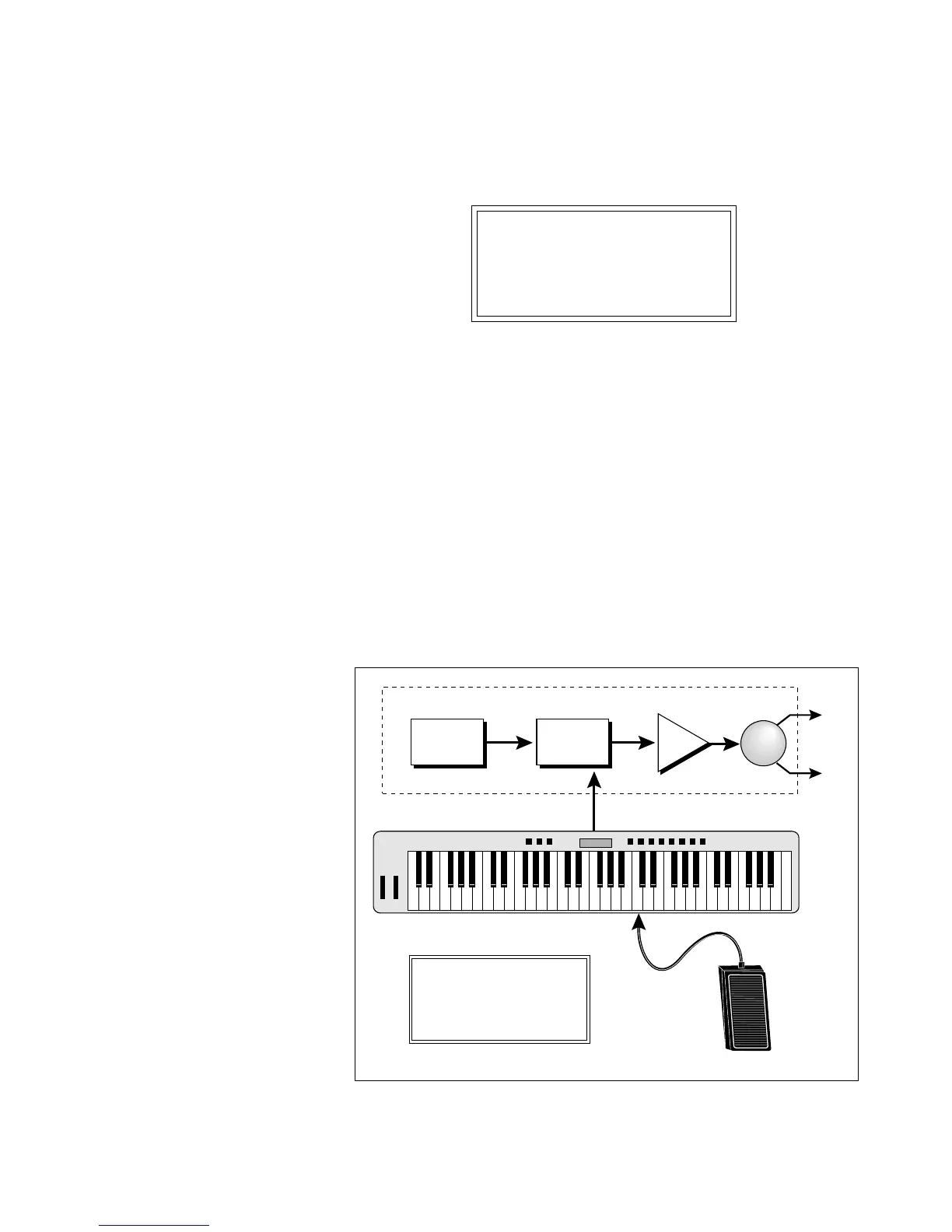
The diagram above shows the Realtime Control setting to control Cutoff Frequency with a Foot Pedal.
! Caution:
Only one controller can be
assigned to a destination. For example, if
you assigned Mod. Control to VCF cutoff
and then assigned Pressure Control to VCF
cutoff, the ESI would automatically turn off
the mod. control to VCF cutoff routing.
Pedal
Cutoff
Sample VCF
VCA Pan
ESI-32
REALTIME CONTROLS
4 Pedal Control
2 VCF Cutoff
Select a Controller
MIDI
R
L
Master Keyboard



 To Next Page