Dynamic Processing 207
• Auxiliary Env: ties velocity to the Auxiliary Envelope’s depth. At
0%, the effect of the Auxiliary Envelope remains as set in Dynamic
Processing, Auxiliary Envelope (5) no matter how forceful or soft
you play the keyboard. Progressively higher positive values increase
the envelope depth as you play more forcefully. Progressively higher
negative values decrease the envelope depth as you play more
forcefully.
6. Press ENTER to exit the submodule. The ESI will return to the
Module Identifier.
This submodule alters the way the keyboard processes the notes (not the
sounds) that you play. Options include a gate or trigger Envelope Mode,
a monophonic Solo Mode, and a Nontranspose function for maintaining
a constant pitch throughout a zone.
1. Activate Dynamic Processing module.
2. Select Keyboard Mode (7).
3. Move the cursor to the parameter(s) to be adjusted, and select
on or off with the Data Entry Control. The first page reads:
KEYBOARD MODE
Mode: trigger
Solo: off
Nontranspose: off
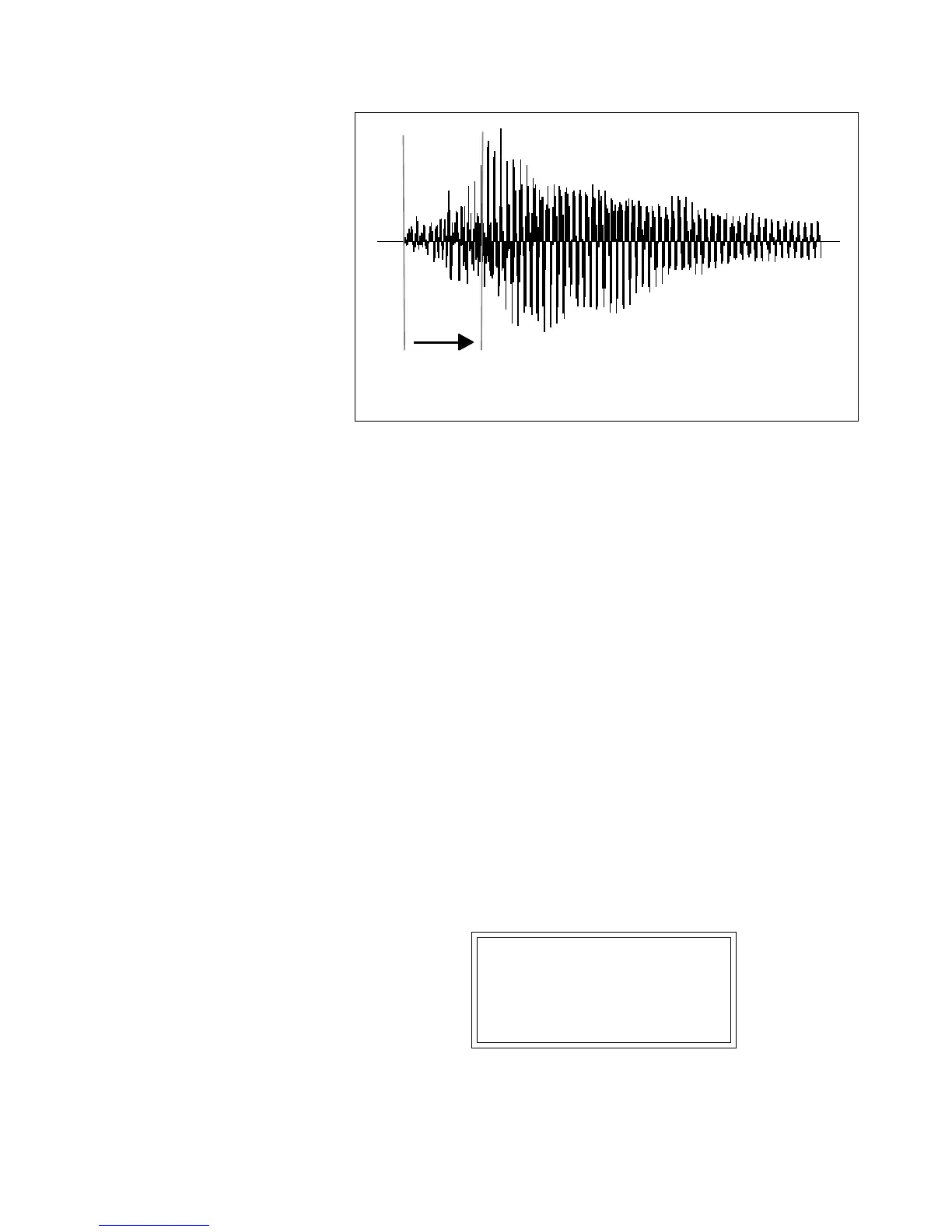
The Velocity to Sample Start parameter allows you to change the attack characteristics of the sample
with velocity. This technique is especially effective with percussion samples.
Sample
Start
Key
Played
Hard
Key
Played
Soft
Positive Velocity to Sample Start
7. Keyboard
Mode
✱
Tip:
If you have a sound effect layered
behind a melodic line, but don't want the
effect to transpose as you play the melody,
simply Nontranspose the sound effect.



 To Next Page