178 ESI Operation Manual
6. Select whether the primary or secondary sample will play when
the keyboard is played forcefully, then press ENTER. If you
choose Positional Crossfade, skip this step and go to Step 7.
CROSSFADE/SWITCH
P00 pri C#1 to C2
Velocity Crossfade
pri or sec Hard
Use the Data Entry Control to select whether the primary or secondary
sample will:
• Fade in when the keyboard is played forcefully (Velocity Crossfade)
• Switch in when the keyboard is played forcefully (Velocity Switch)
• Fade in according to the realtime control wheel (Realtime Crossfade)
• Switch in according to the realtime footswitch (Realtime Switch)
After pressing ENTER the ESI will return to the Module Identifier.
7. For Positional Crossfade, select whether the primary or secon-
dary sample will increase in level as you play higher on the
keyboard, then press ENTER. The other sample will decrease in
level.
CROSSFADE/SWITCH
P00 C1 to C2
Positional Crossfade
pri or sec = at Top
• Realtime Switch: Switching occurs not according to keyboard
velocity, but according to the realtime footswitch values set in Preset
Definition, Realtime Controls (0).
• Velocity Ranges: Allows you to control the velocity settings for
crossfading or crosswitching between the primary and secondary
layers or between linked presets.
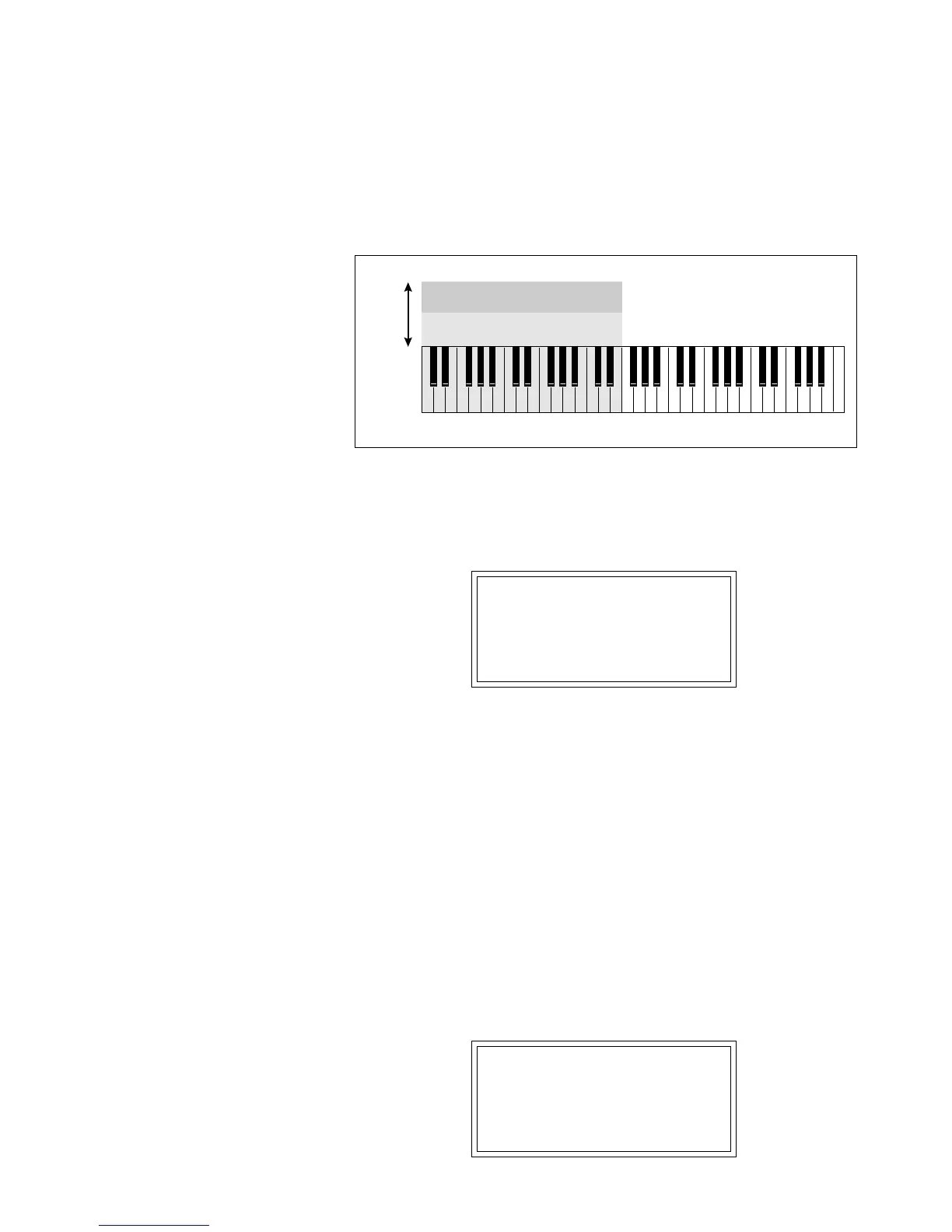
Primary Sample
Secondary Sample
Hard
Soft
Velocity Crossfade. If the secondary sample equals “Hard”, the primary sample becomes progres-
sively softer and the secondary sample becomes louder with increasing playing force.



 To Next Page