Preset Definition 181
1. Press the Preset Definition key.
2. Select Submodule Crossfade/Switch (5).
3. Define the zone as described in the previous example.
4. Select Velocity Ranges crossfade from the seven choices, then
press ENTER.
CROSSFADE/SWITCH
P00 C1 to C2
Velocity Ranges
Select a Crossfade
5. Select submodule Vel Switch Pt/Link (6). The following screen
appears. Move the Cursor down to the lower line using the down
cursor key.
VEL SWITCH PT/LINK
Vel Switch Point: 60
Link Preset to
001 Percussion 2
6. Select the Preset to be Linked. Linking Presets allows multiple
presets to play at once.
7. Press the Right Cursor key. The following screen appears.
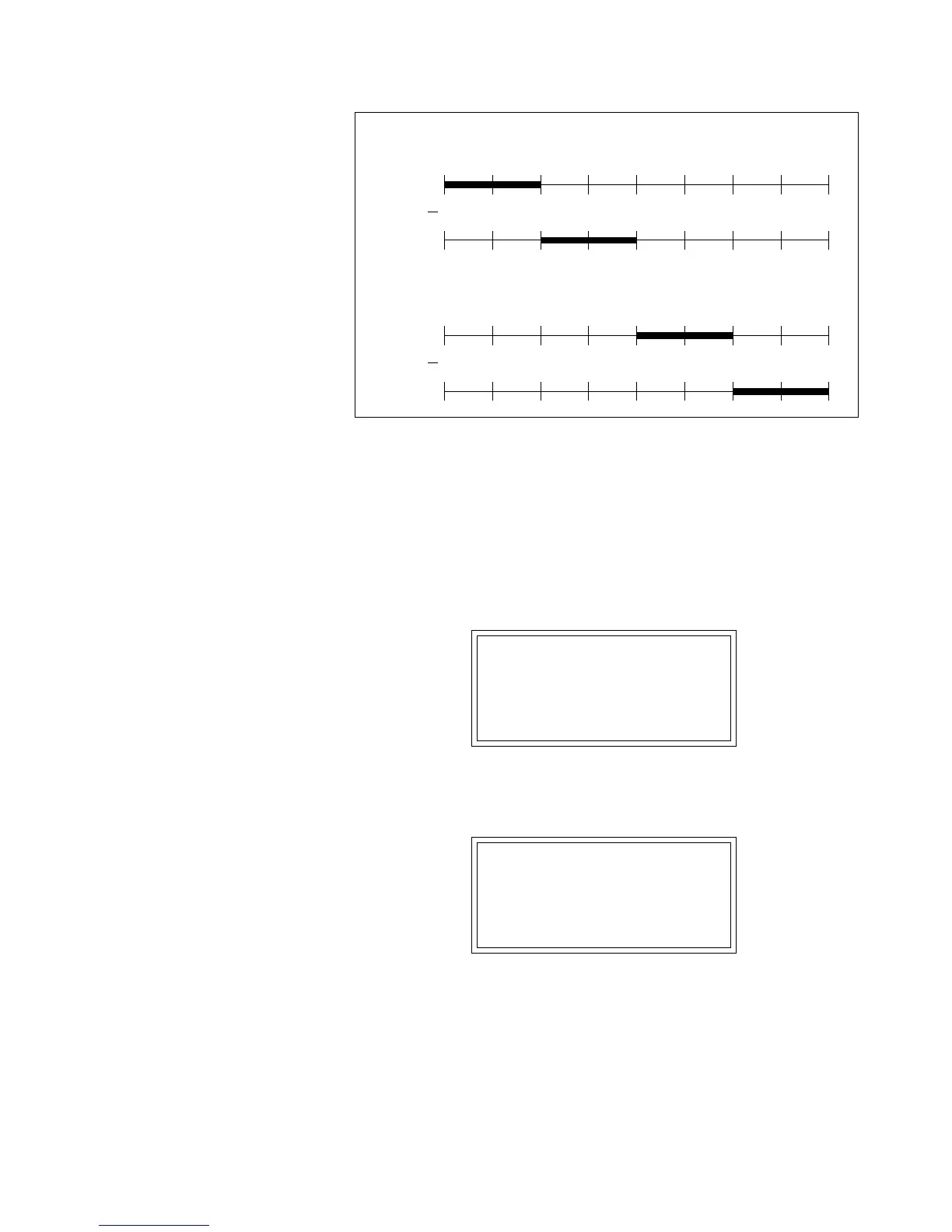
Pri
0 163248648096112127
Velocity
Sec
Pri
0 163248648096112127
Velocity
Sec
PRESET #1
PRESET Linked to Preset #1



 To Next Page