12 ESI Operation Manual
The Preset
As mentioned above, a sample can be assigned to a single note on the
keyboard, or transposed polyphonically to cover a wider keyboard
range. A preset is one entire keyboard setup. The process of assigning,
and optionally transposing, samples to specific ranges of the keyboard is
called making a preset. Making a preset is a three-step process:
1. Create the preset and give it a number and name. The bank can
hold up to 256 Presets (000-255).
2. Place samples to different keyboard ranges. For example, with
five samples you could assign each sample to cover one octave of a
five octave keyboard. A sample can be assigned more than once
within a given preset, and assigned to more than one preset.
3. Choose from a number of available options that further define
the preset. Some examples are: assigning samples to partially or
fully overlap other samples, thus producing doubling effects, or
assigning dynamic control to individual samples in a preset. You can
modify zone parameters, and set up MIDI and dynamic processing
parameters.
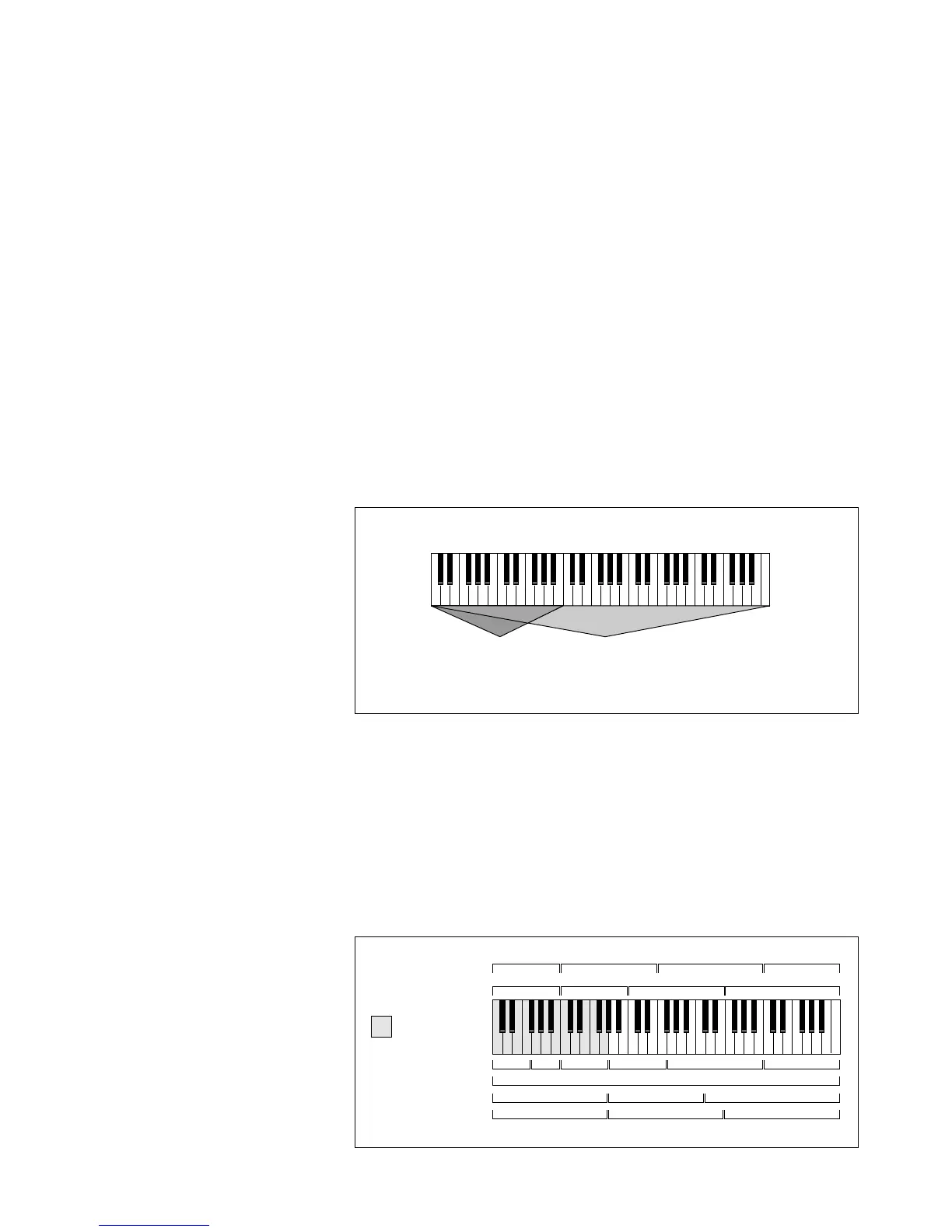
The Zone
A particular range of the keyboard is called a zone. This zone can
include one or more samples and the zone’s boundaries need not be the
same as the boundaries of the samples contained in the zone. Zones free
you from having to think about where the actual samples are assigned.
You just select a range of keyboard (a zone) and go!
As an example, suppose you wanted to set the velocity response for the
entire keyboard. You would first select the zone range by playing the
lowest and highest keys when prompted by the ESI. Next you would set
the velocity response (in the Dynamic Processing module). Done.
Entire
Kybd
ZONE
Any
Range
= (Keyboard Range)
Sample 01
Fc
Secondary Samples
Primary Samples
Vel -> Level
Tuning
Pan
Sample 02 Sample 03 Sample 04
Sample 05
Sample 06
Sample 07 Sample 08
= Copied Zone



 To Next Page