232 ESI Operation Manual
4. Select an Effect using the Data Entry Control or INC/DEC keys.
Do not use the “Master Effects” setting as this will cause the Master
effects settings to be used.
PRESET EFFECT A
Effect:
Room 1
5. Press the Right Cursor key to go to the second screen.
6. Cursor down to the third line of the display and set the FxB->FxA
amount to 127.
PRESET EFFECT A
Decay Time: 40
HF Damping: 96
FxB==>FxA: 127
7. Press the Right Cursor key again to select the Send Amount
screen.
8. Turn the Send Amounts down to zero since we only want to hear
the two effects in series.
PRESET EFFECT A
Sends:
Main: 0% Sub2: 0%
Sub1: 0% Sub3: 0%
9. Press the ESCAPE key to return to the Effects submenu.
10.Press the Right Cursor key to select Master Effect B.
11. Select an effect as before, then adjust the Main FX A Send
percentage as desired.
?
Note:
Because the amounts are Sends,
we want to open the Main Send to Effect B,
turn B
➟
A up full and turn the Main Send to
Effect A down to zero. This sends ALL of
Effect B through Effect A.
Effect B
Main Send
Main Send
Effect A
50%
100%
0%
B➟A
12. Play the keyboard and you should hear the B Effect running
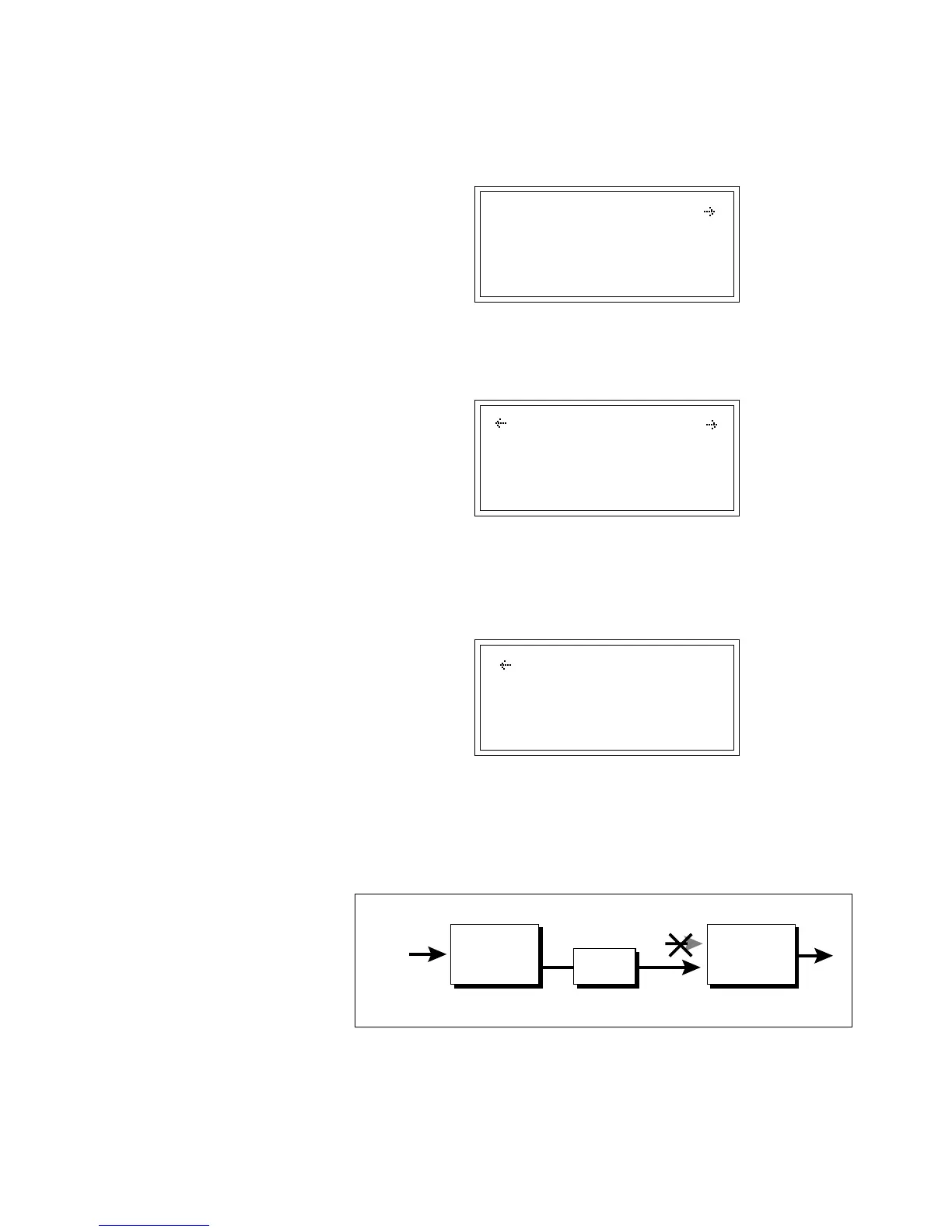
through Effect A. This patch is shown in the illustration above.



 To Next Page