17
English
Pausing playback
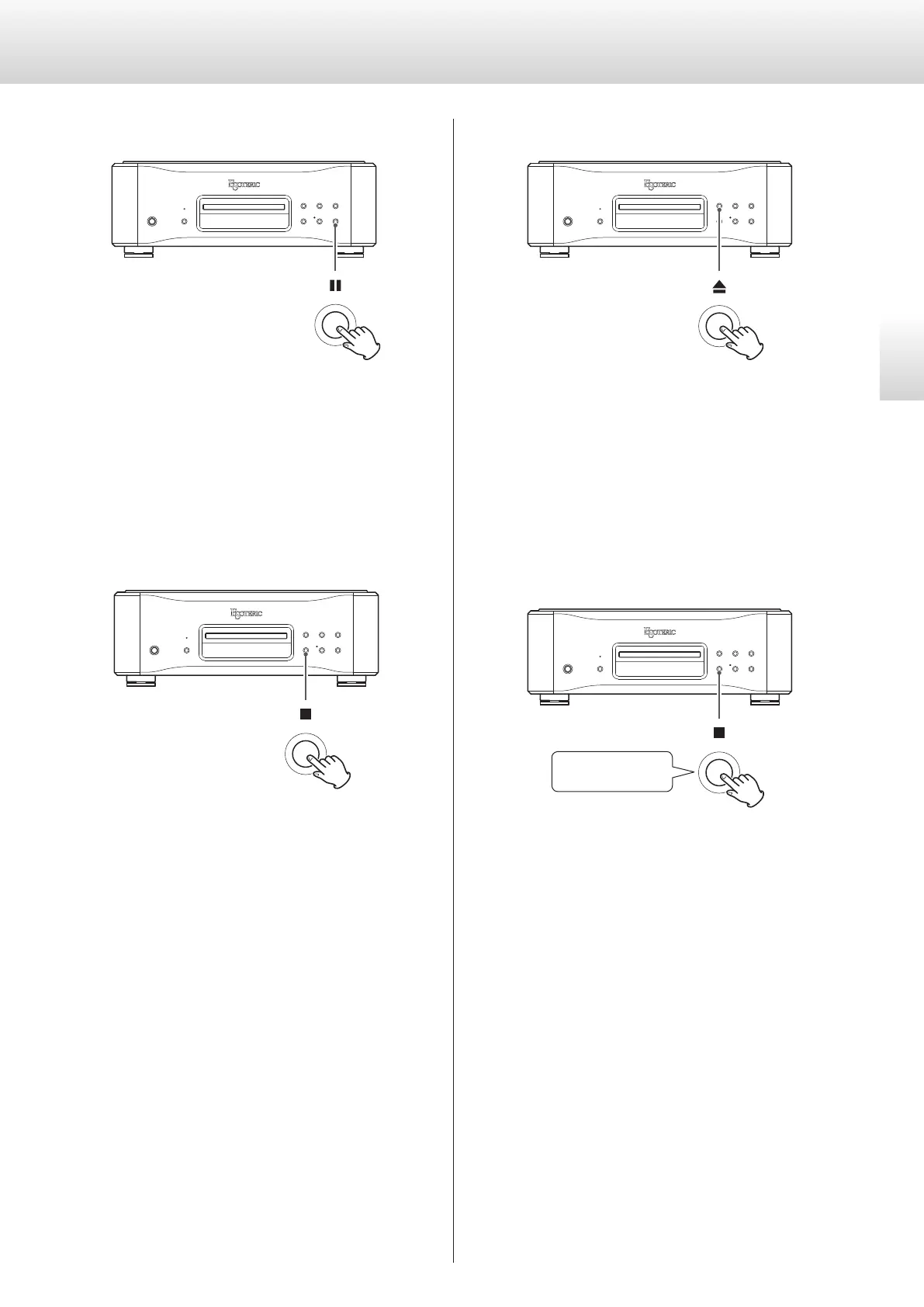
During playback, press the pause (9) button to pause playback.
When paused, the indicator next to the play (7) button blinks.
Press the play (7) or pause (9) button to restart playback.
Stopping playback
Press the stop (8) button to stop playback.
Opening and closing the disc tray
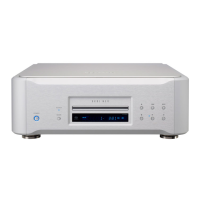
Press the tray open/close (-) button once to open the tray, and
press it again to close the tray.
o If you press the tray open/close (-) button during disc playback,
several seconds will pass before the tray opens.
Changing the playback area
Press and hold
Some Super Audio CDs have multiple areas, including stereo (2-
channel) and multichannel. Hybrid Super Audio CDs have two layers
with one containing ordinary CD-quality audio.
When stopped, press and hold the stop (8) button to change the
playback area.
o To change the playback area using the remote control, press the
PLAY AREA button when the unit is stopped.
o This unit does not support the playback of multichannel areas on
Super Audio CDs.


 To Next Page