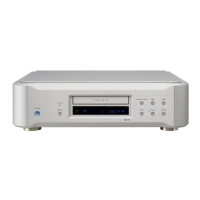
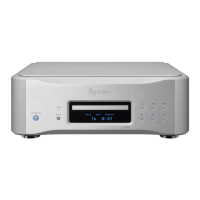
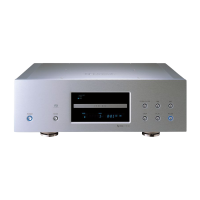
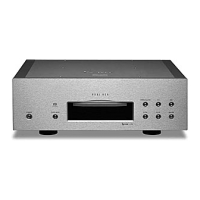
24
Setting mode
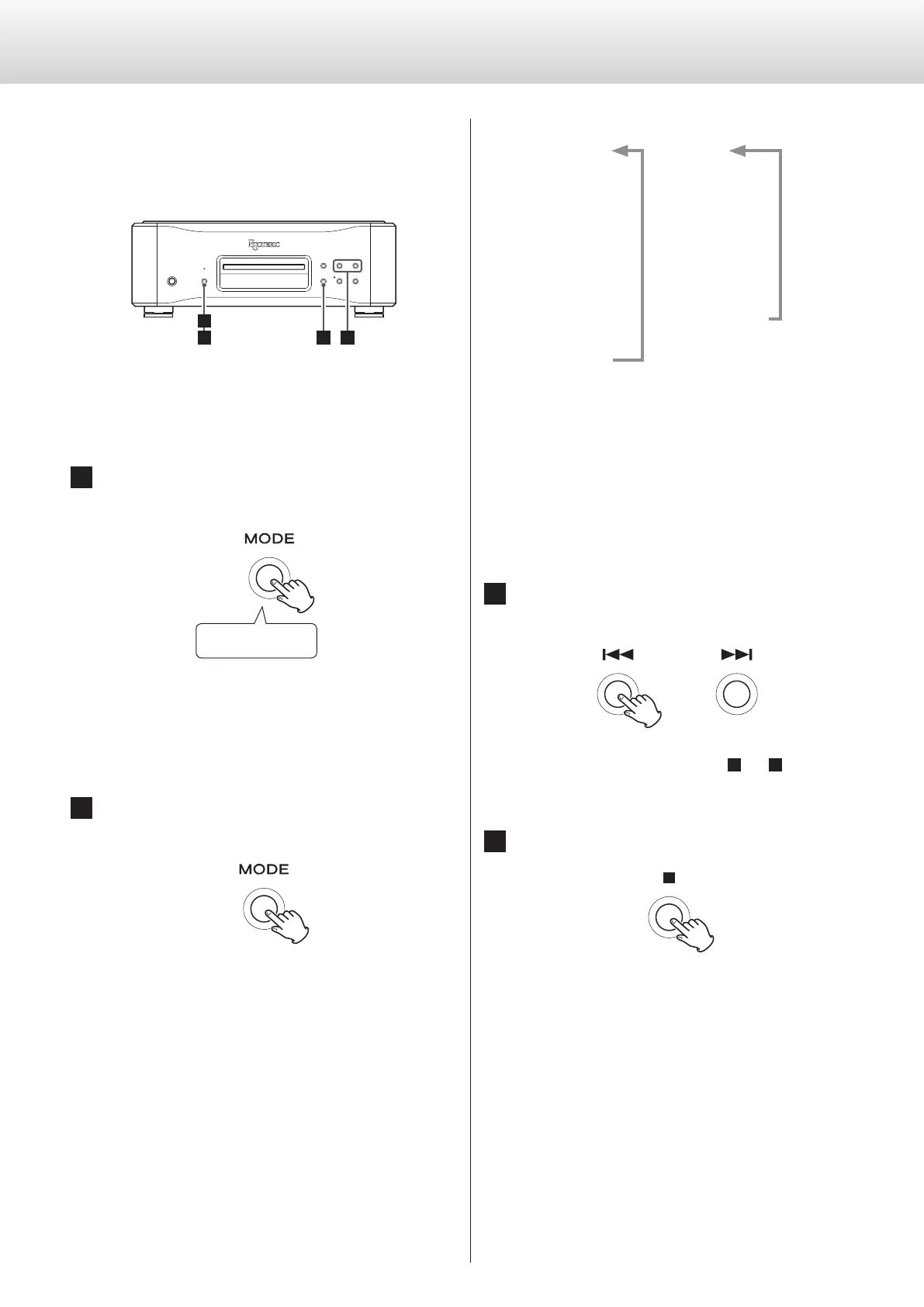
The settings for this unit are divided into two groups: Settings 1 and
Settings 2.
The Settings 1 or Settings 2 group will be shown depending on how
the MODE button is pressed.
1
34
2
Changing settings
1 When stopped or during playback, press and
hold the MODE button.
Press and hold
Settings 1 will be shown.
To show Settings2, press and hold the MODE button again
while Settings1 is shown.
2 Press the MODE button repeatedly to select the
item to change.
Each time you press the MODE button, the item shown on the
display changes as follows.
Settings 1 Settings 2
UPC>
c
CLK>
c
AOUT>
c
DOUT>
c
DPaOFF>
c
APS>
PCMM>
c
PCMG>
c
DSDF>
c
RS232C>
c
AUD_UPDATE
o Depending on the selected source and operation status,
some items might not appear.
o If you do nothing for ten or more seconds, setting mode will
end and ordinary display will resume.
However, setting mode will not end when Settings2 AUD_
UPDATE is in use.
3 Use the skip (.//) buttons to change
settings.
To change multiple items, repeat steps
2
and
3
.
4 Press the Stop (8) button.
Setting mode will end and the ordinary display will reappear.
o Setting mode will also end and the ordinary display will reap-
pear if nothing is done for ten seconds. However, setting
mode will not end when Settings2 AUD_UPDATE is in use.
o Settings are retained even if the power plug is disconnected.


 To Next Page