21
English
When stopped, press the MODE button repeatedly to cycle through
the following input sources.
CD/SACD COAX in
(coaxial
digital input)
USB in OPT in
(USB input
for computer)
(optical
digital input)
o This unit can be used as a D/A converter when its input source is
set to an external digital input (COAXin, OPTin or USBin).
o When an external digital input is selected, the name and sampling
frequency of the selected input appear on the display. If there is
no input signal or the unit is not synchronized to the input signal,
the input sampling frequency is not shown and the input name
blinks.
o If the input signal is not a digital audio signal or uses an audio sig-
nal format that is not supported by this unit (such as Dolby Digital,
DTS or AAC) “- - -” appears in place of the sampling frequency. Set
the digital output of the connected equipment to PCM audio
output.
o When an external digital input is selected, disc controls other than
the tray open/close (-) button do not function.
Changing the input sourceDimmer
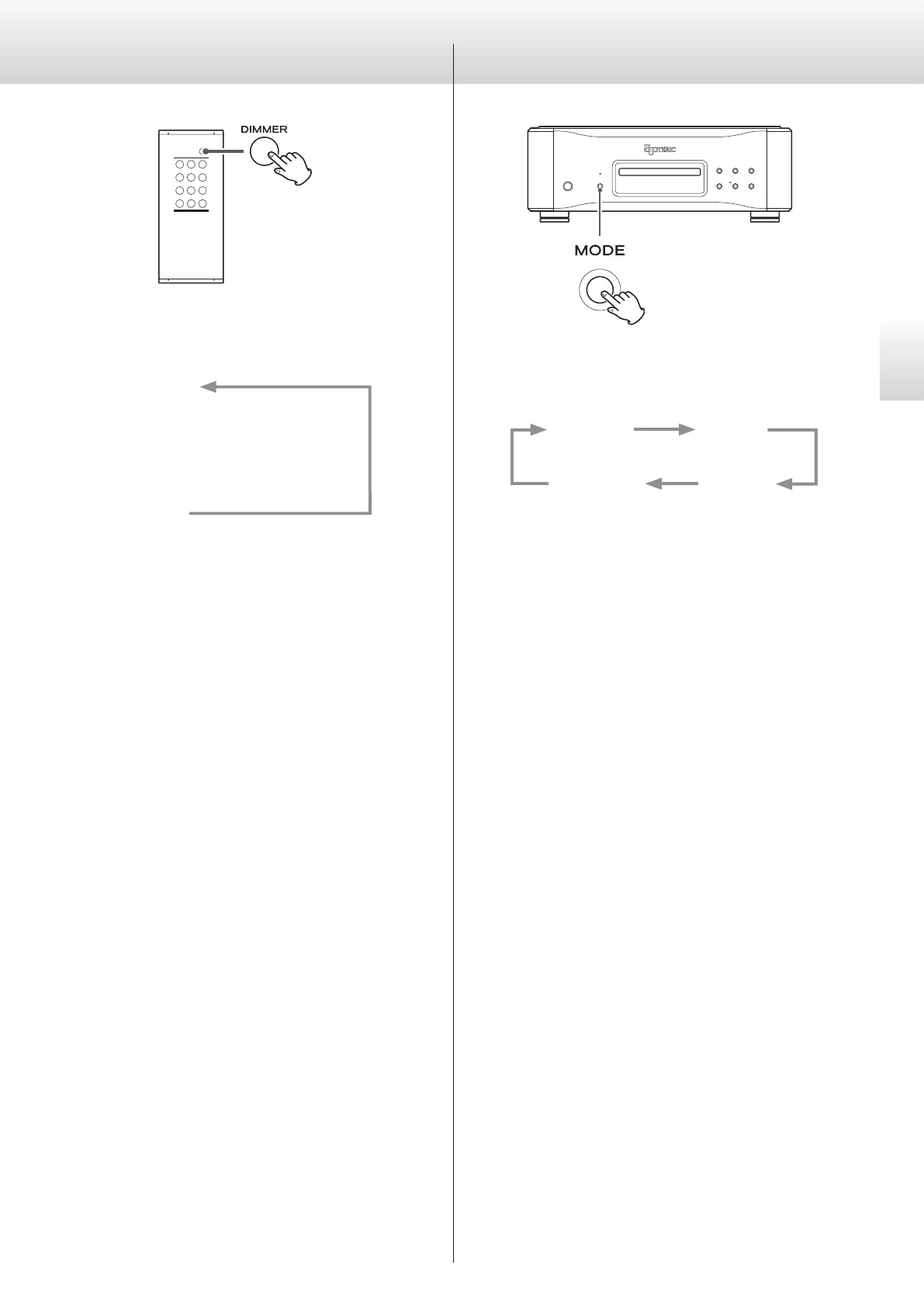
Use the DIMMER button to adjust the brightness of the main unit’s
display.
DIMMER3
c
DIMMER2
c
DIMMER1
c
(off)
(normal brightness)
o Even when the dimmer is set to off, the display will light at normal
brightness for about three seconds when you press the play (7)
or another button.
o Even when set to DIMMER1 or off, setting menus and error mes-
sages will be shown with DIMMER2 brightness.
o Pressing and holding the button will set the brightness to
DIMMER2.


 To Next Page