20
VIDEO SETTINGS
This section allows you to configure the video quality and environment mode.
Video Quality
The Video Quality setting section allows you to adjust the quality of the video streaming. Select
better streaming image that allowing you to view high resolution image. Select HD video that
allowing the video to display more smoothly (quality depend on local internet environment).
Only select better image when you have sufficient bandwidth and updated mobile device(s).
Environment Mode
The Environment Mode settings allows you to select the power line frequency used at the location
of the camera. The power line frequency varies depending on geographic region. It may cause
image flicker if wrong frequency is selected. Please check with local authorities for proper setting.
There are two type video colour tone, user can change the video colour tone between warm yellow
(indoor) and cool-white (outdoor).
Low Light Enhancement
The Low Light Enhancement Mode is for improving the night view video image by providing 5 levels
to select from (5 = brightest).
SENSITIVITY SETTINGS
Detection Mode
PIR is hardware-based biomass detection.
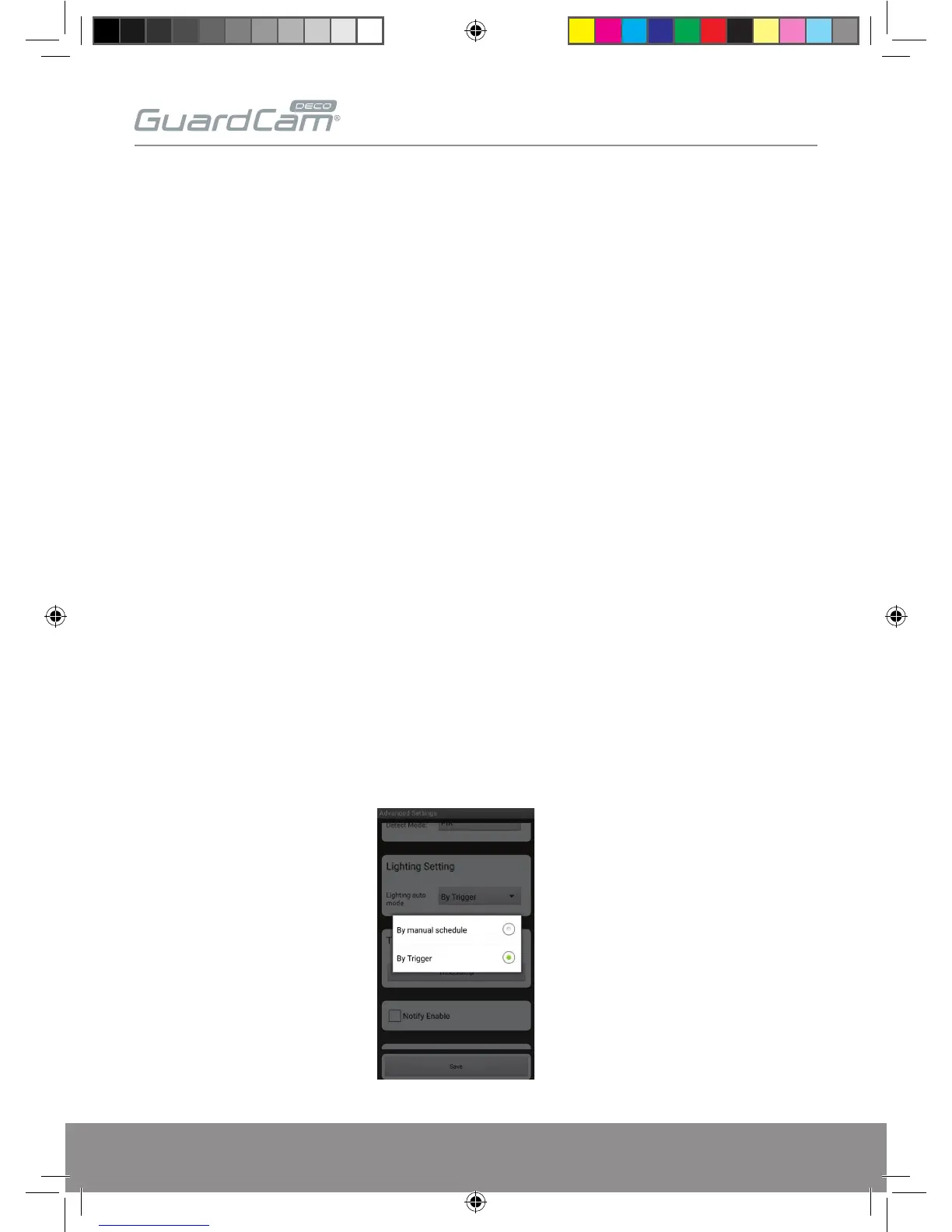
LIGHTING SETTINGS
This function allows you set up the lighting auto mode. There are 2 mode you can choose.
GUARDCAMDECO Manual.indd 20 12/03/2018 14:23:54


 To Next Page