40
11. CI Interface
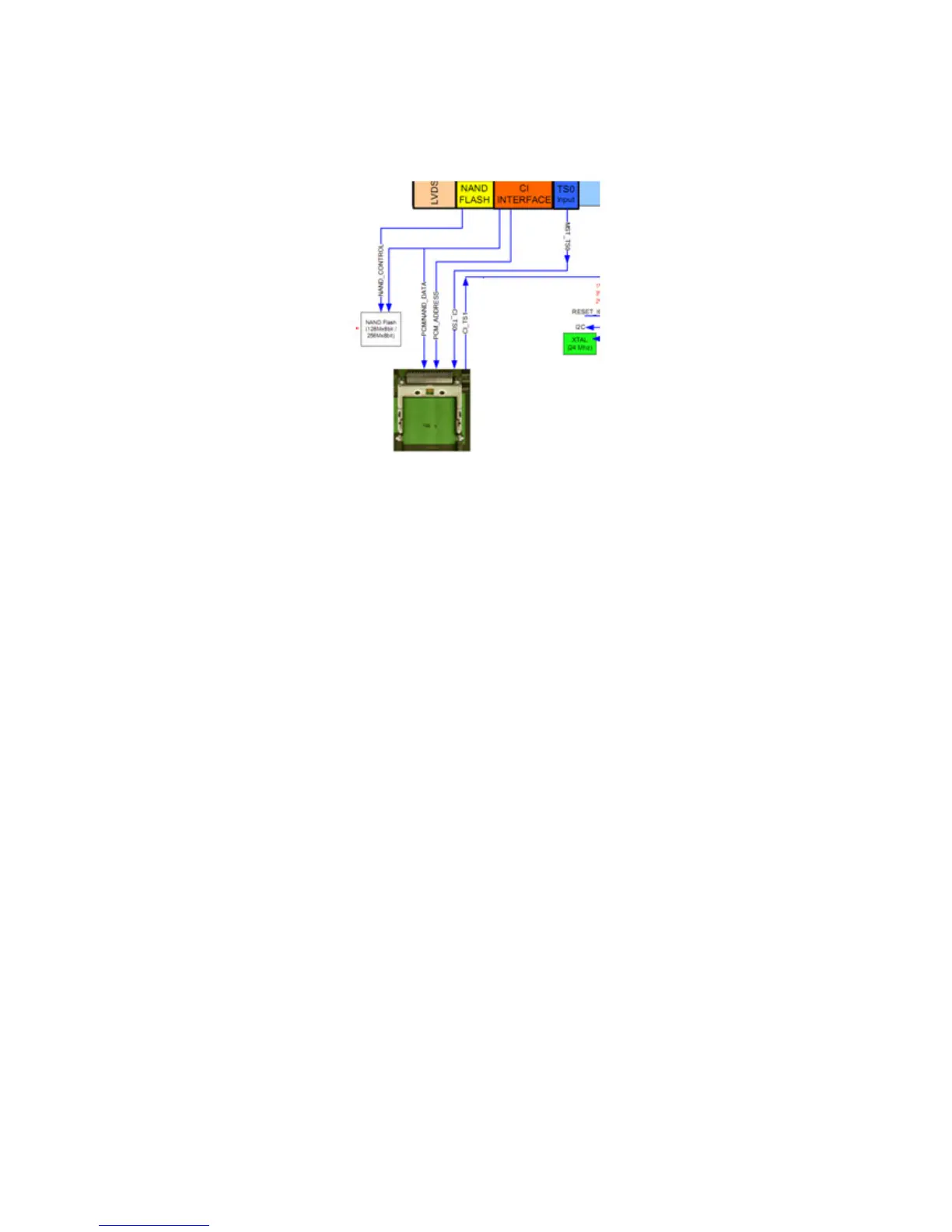
17MB95S Digital CI ve Smart Card Interface Block diagram:
Figure 12: CI interface
12. Software Update
12.1 Main SW update
In MB95 project there is only one software. From following steps software update procedure
can be seen:
1. MB90_en.bin, mboot.bin and usb_auto_update_A1.txt documents should copy directly
inside of a flash memory(not in a folder).
2. Insert flash memory to the tv when tv is powered off.
3. While pushing the OK button in remote control, power on the and wait. TV will power-up
itself.
4. If First Time Installation screen comes, it means software update procedure is successful.
13. Troubleshooting
A. No Backlight Problem
Problem: If TV is working, led is normal and there is no picture and backlight on the panel.
Possible couses: Backlight pin, dimming pin, backlight supply, stby on/off pin



 To Next Page