Make sure that it is necessary to restore the parameters as default setting
before fulfilling the Restore Parameters function.
Step 1 Click Restore in the Edit Parameters window.
Figure 4-29 Click Restore
Step 2 Read the content on the warning dialog box and click OK.
Figure 4-30 Confirm the parameter restored
Step 3 ESView V4 will send the Restore Parameters command to the Drive, and then the Drive will execute the
Restore Parameters.
Save Parameters
Follow the below procedure to save the current settings as an offline file into the PC.
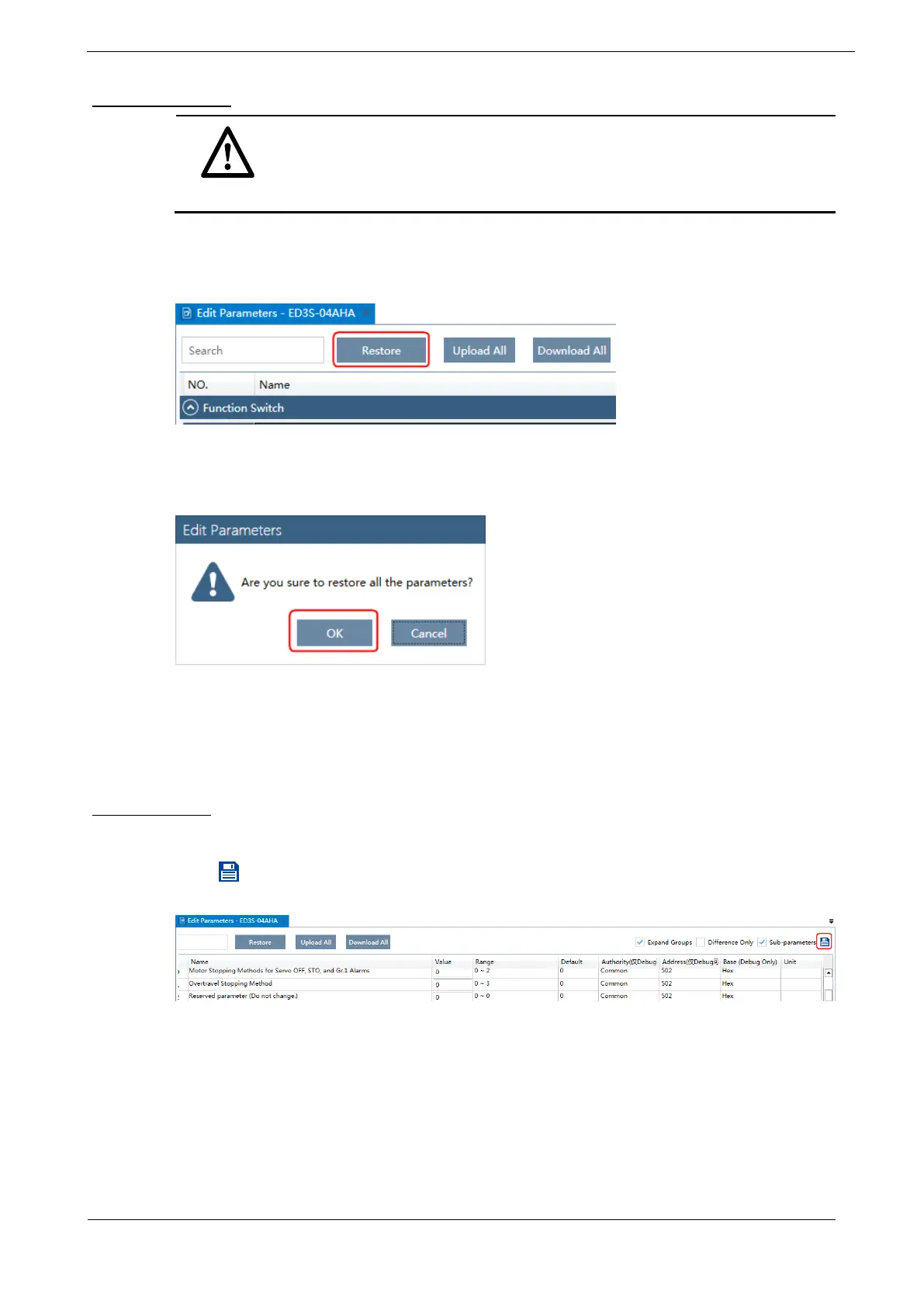
Step 1 Click in the Edit Parameters window.
Figure 4-31 Save the parameters
Step 2 Choose the desired files in the Save As dialog box.
Step 3 Click Save.





 To Next Page