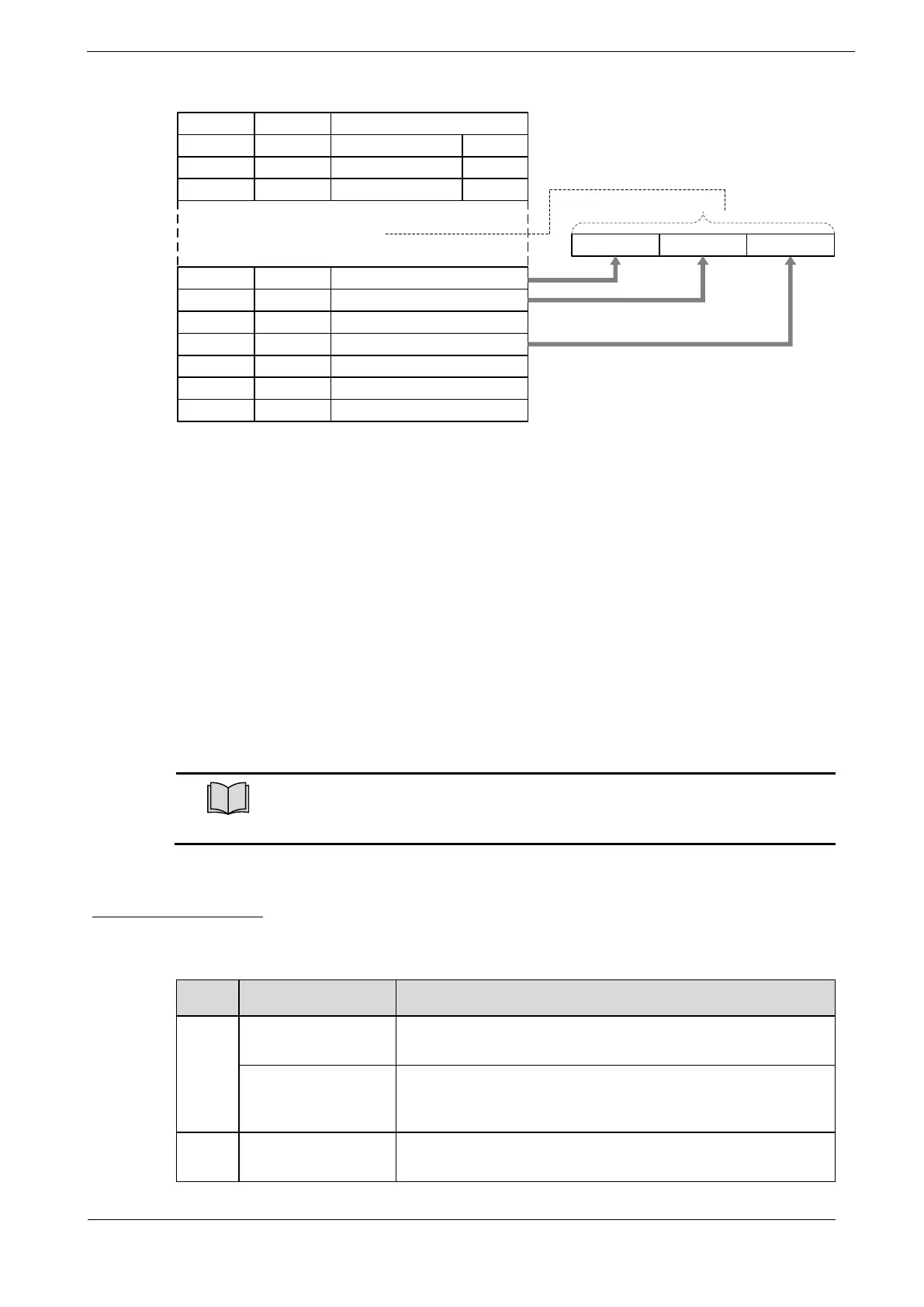
Taking SM2 channel and RxPDO 1 as an example, the steps of PDO mapping are as follows:
1. Disable the assignment between the SM2 and RxPDO 1:
Set subindex 00h in object 1C12h to 0.
2. Disable the assignments of RxPDO 1:
Set subindex 00h in object 1600h to 0.
3. Set all of the mapping entries (index and subindex) for the RxPDO 1 mapping objects:
Write the mapping entity index and subindex values into the corresponding subindex of 1600h.
4. Set number of mapping entries for the RxPDO 1 mapping objects:
Write the number of mapping entries into the subindex 00h of 1600h.
5. Set the assignments between the SM2 and RxPDO 1:
Set subindex 01h in object 1C12h to 0x1600.
6. Enable the assignments between the Sync Manager and RxPDO 1:
Set subindex 00h in object 1C12h to 1.
The PDO mapping objects (indexes 1600h to 1603h, 1A00h to 1A03h) and
the Sync Manager PDO Assignment objects (index 1C12h and 1C13h) can
be written only in Pre-Operation state.
Default PDO Mappings
The following table shows the default PDO mappings for the Drive. These initial settings are also defined
in the EtherCAT slave information file (XML format).





 To Next Page