27
BASIC FUNCTIONS
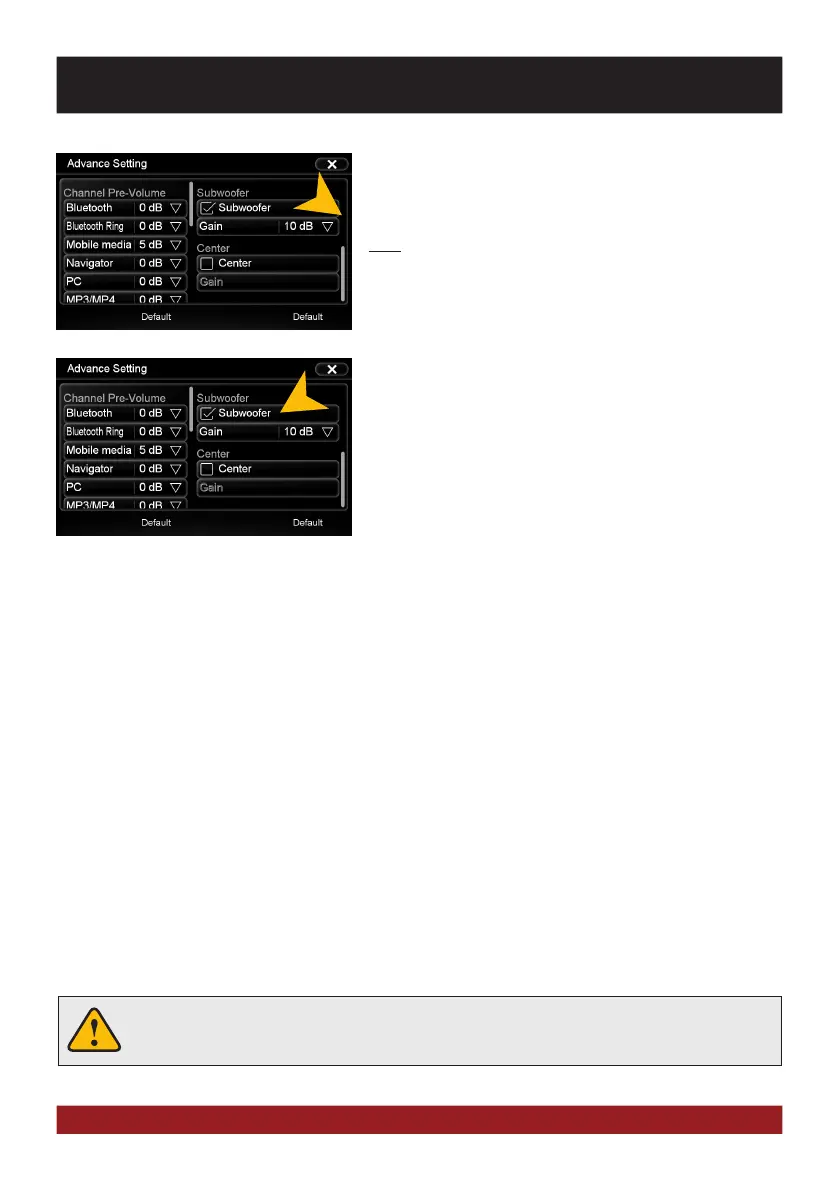
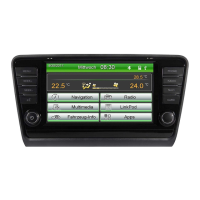
Scroll the right field down to see all settings under „MISC“.
Under the section „Loudness“ you can set the bass/treble
boost from 0 - 20dB regardless of the equalizer settings.
Note: This can lead to high distortion for the speakers.
Under „Subwoofer“ you can turn on or off the sound output of
the RCA output SUBWOOFER and you are able to set its level
from -12dB to + 10db.
With „Default“ you can restore the respective factory settings.


 To Next Page