55
INSTALLATION HINTS
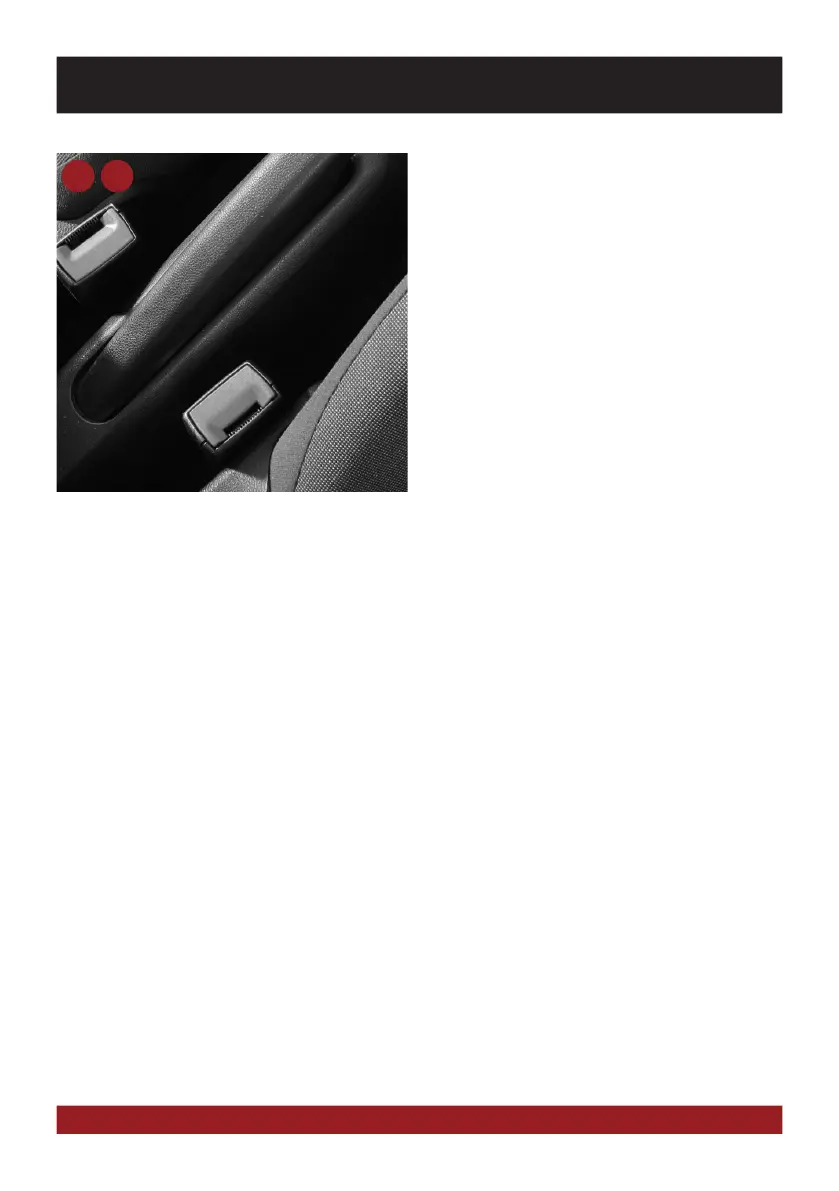
Handbrake connection:
The handbrake signal needs to be connected with
the included cable (5 or 6, BRAKE IN). The signal
must be connected to ground with the handbrake
closed. Please contact for a correct and safe in-
stallation your automotive service center! Accor-
dance to legal regulations the device must only
playback a DVD or video may on the main screen
only with the handbrake closed.
Therefore the cable must be not permanently con-
nected to ground. To avoid accidents through care-
lessness, the display is turned of while driving. The
video outputs (11) are not affected.
5 6



 To Next Page