GB
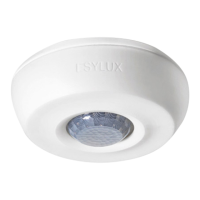
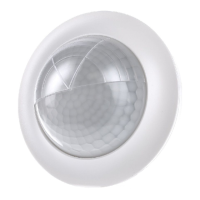
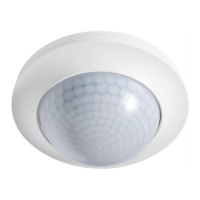
MD 360/8 Basic MD 360i/24 Basic MD 360/24 Basic SMB
MD 360i/8 Basic MD 360/8 Basic SMB MD 360i/24 Basic SMB
MD 360/24 Basic MD 360i/8 Basic SMB
6 Settings
6.1 Control via external “S” button
The ceiling-mounted motion detector is equipped with a connection for an external
button (S terminal). This can be used to switch the lighting on and off manually.
Modes activated by pressing the external button:
Press button for approx. 1 second: The lighting is switched on or off (for the duration
of the switch-off delay time)
Press button for approx. 3 second: The lighting is switched on or off continuously for
4 hours
Further parameters can be configured via remote control. Remote controls can be
purchased as accessories.
6.2 Configuring parameters via remote control
Only models:
MD 360i/8 Basic EB10430428 MD 360i/24 Basic EB10430862
MD 360i/8 Basic SMB EB10430466 MD 360i/24 Basic SMB EB10430909
Note: For optimum reception, when programming the settings, point the remote
control at the detector. Please note that if the sensor is exposed to direct sunlight, the
standard detection range of approx. 8 m may be dramatically reduced due to the sun's
infrared rays.
6.3 Mobil-PDi/MDi (EM10425509)





 To Next Page