GB
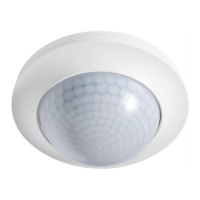
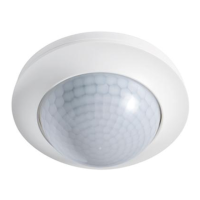
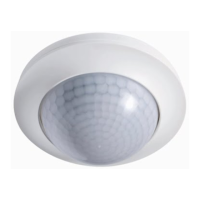
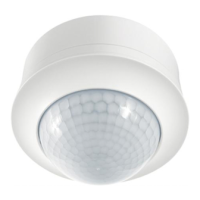
MD 360/8 Basic MD 360i/24 Basic MD 360/24 Basic SMB
MD 360i/8 Basic MD 360/8 Basic SMB MD 360i/24 Basic SMB
MD 360/24 Basic MD 360i/8 Basic SMB
6.8 Programming the Mobil-PDi/MDi-universal
Programmed values are applied permanently.
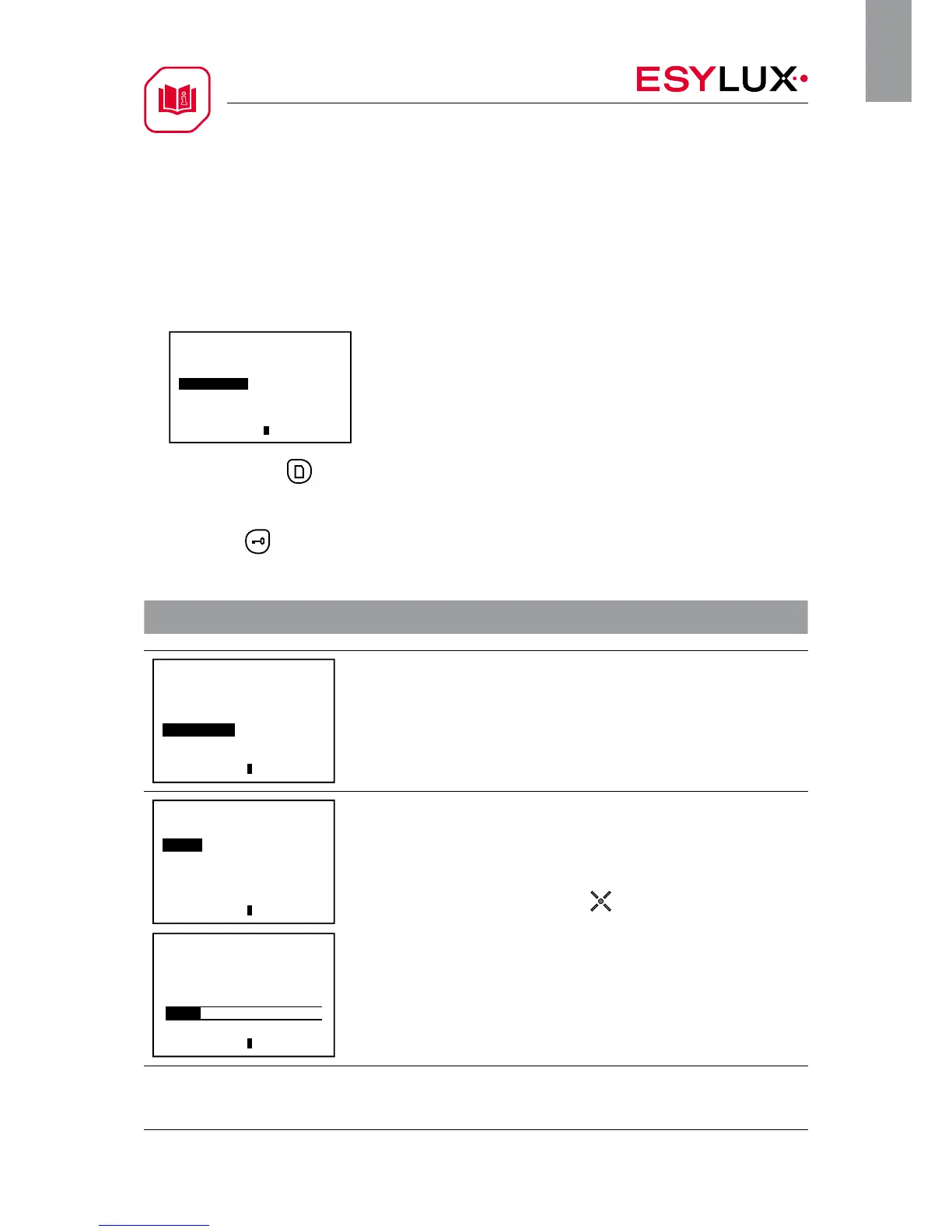
1. Select the sub-item “Channel 1” in the“PDi/MDi” menu.
2. Then press the button to enter programming mode. Acknowledgement: The red
LED lights up permanently and the lighting is switched on continuously.
3. Press the button to exit programming mode.
Acknowledgement: The red LED is switched off.
Function Customised setting
Functions
ON/OFF
Test
Reset
4 h ON/OFF
Bat ok LS MDi
Take a reading of the current ambient light value
The detector switches the lighting on if the target brightness value is below the preset
lux value and movement is detected in the field of detection.
Acknowledgement: The red LED and the lighting are switched off for approx. 5 seconds
while the reading is taken.
Channel 1
Read-in
Light
Time
Reset
LEDs ON/OFF
Fully/semi-automatic
Bat ok LS MDi
Light
400 Lux
Bat ok LS MDi
Set the brightness switching value
Setting values: 10, 100, 250, 400, 600, 800, 2000 lux
The detector switches the lighting on if the target brightness value is below the preset
lux value and movement is detected in the field of detection.
Acknowledgement: The red LED flashes three times in cycles if the selected brightness
switching value has been confirmed using the button.





 To Next Page