ETC Installation Guide
ColorSource Spot v1.7
Mounting
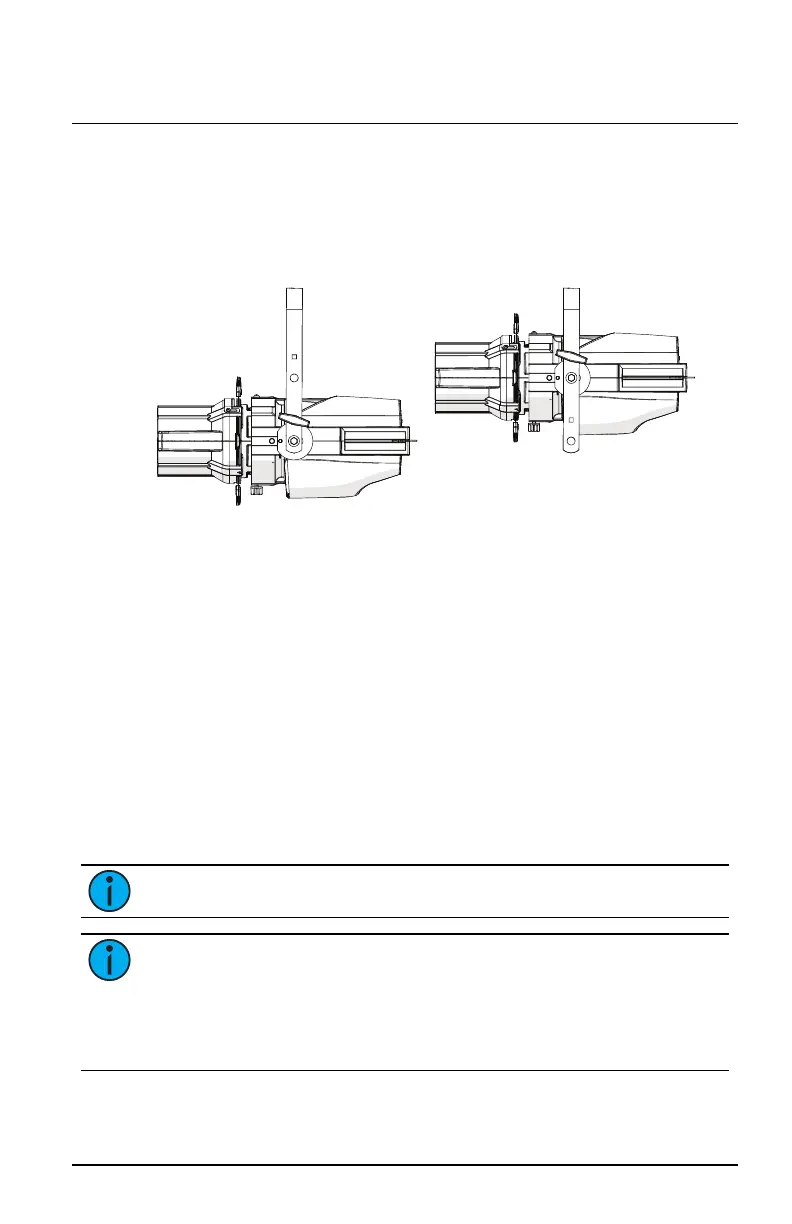
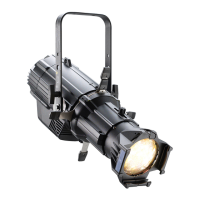
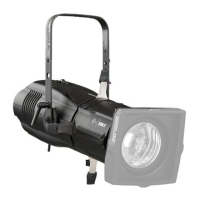
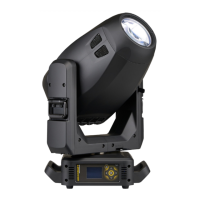
The ColorSource Spot ships with a standard yoke for mounting with a clamp.
You can adjust the position of the yoke when necessary for low-clearance
mounting.
Standard yoke position Low-clearance yoke position
Safety Cable
A safety cable (or other approved safety device) must be attached to the
fixture. Attachment loops are on the rear of the fixture. Take care to leave as
little slack as possible in the safety cable to avoid catching the yoke of the
fixture.
Connectors
Power: Two powerCON
®
connectors for power in and thru
Data (DMX512/RDM): Two five-pin XLR connectors OR two
RJ45connectors for data in and thru
Conversion cables are available from ETC. Please contact your ETC customer
service representative and request part number W6538 for RJ45 to female
XLR or part number W6539 for RJ45 to male XLR.
Note:
This fixture is not Ethernet/data network compatible.
Note:
The ColorSource Spot is not self terminating. You must
terminate the last fixture in line with a 120 Ohm resistor.
XLRterminators are not available from ETC.
To purchase an RJ45 terminator, please contact ETC customer service
and request part number N4086.
ColorSource Spot Page 5 of 12 ETC



 To Next Page