ETC Quick Guide
ColorSource Relay and ColorSource Transmitter
Relay and Wireless DMX Transmitter Page 2 of 5 ETC
ColorSource Relay manages power switching and DMX for a connected chain
of equipment. Relays fire at zero cross and automate a randomized turn on
delay up to 2 seconds to minimize effects of inrush while turning on multiple
fixtures on a circuit or many circuits in a system.
Relay activation can be triggered in one of three ways:
• Auto Mode - relay turns on when DMX/ RDM input is detected. Relay
turns off five minutes after data is last detected. (Default Mode)
• DMX Mode - relay turns on when DMX address 512 is at or above 50%
and turns off when below 50%. The relay can also be patched via RDM
to an address between 1 and 511. Changing the address from 512
disables the turn on delay function of the relays.
• RDM Mode - relay turns on when it receives an RDM command to turn
on. The relay remains on until it receives an RDM command to turn off,
or until power is cycled to the unit.
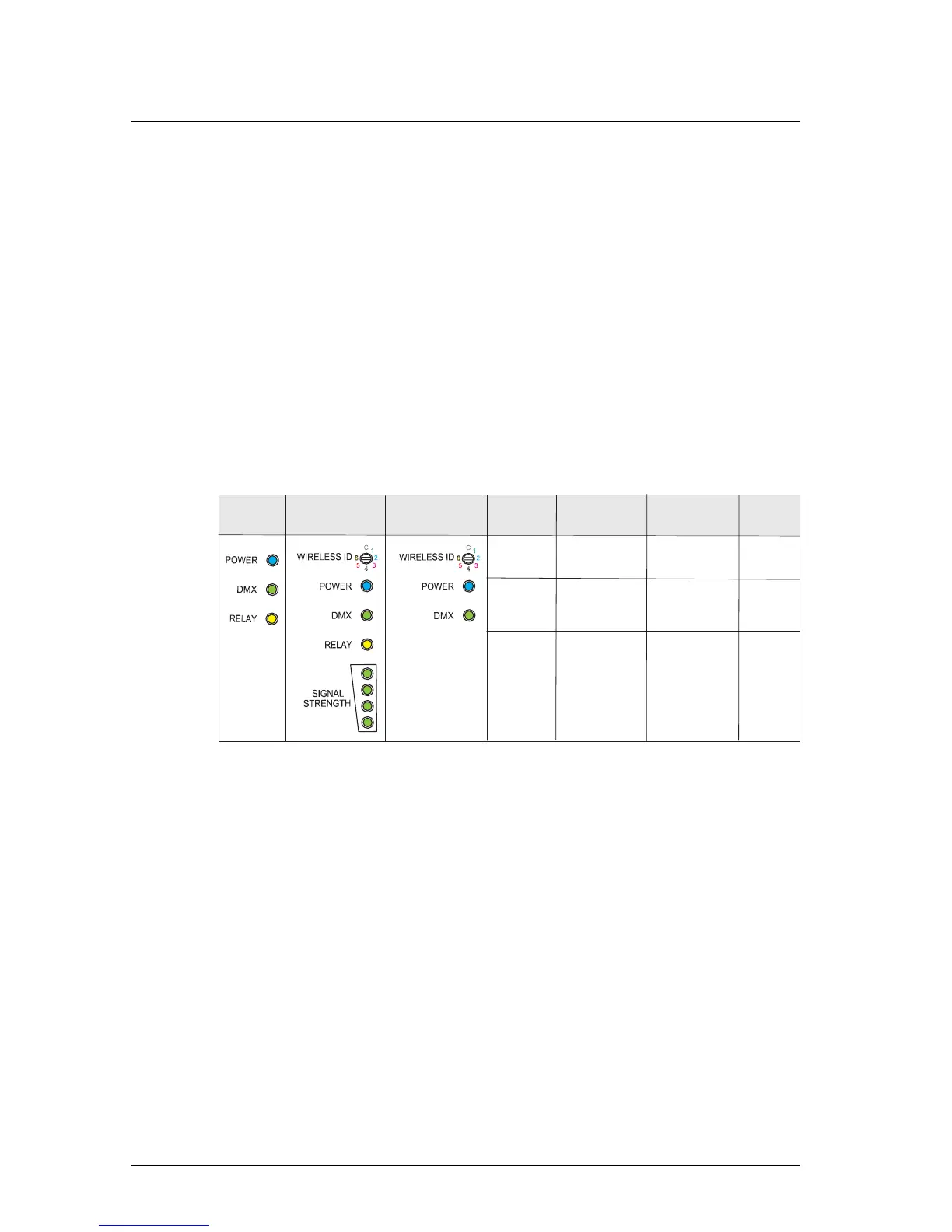
LED Indicators
Receiver Software
Software is available online at etcconnect.com and updated via a USB drive at
boot. The USB drive should be formatted with FAT.
To update a wired DMX relay, one file, which begins with “CSRD”, is
required.
To update a wireless DMX relay, two files are required on a USB drive:
1: the firmware file for the relay, which starts with “CSRW”
2: the firmware file for the relay’s radio coprocessor, which starts with
“5792”










 To Next Page