ETC Quick Guide
ColorSource Relay and ColorSource Transmitter
Relay and Wireless DMX Transmitter Page 3 of 5 ETC
While the relay is updating, the power LED can be used for troubleshooting:
• fast blinking - looking for USB drive
• red - upgrade failure
• cyan - waiting for USB drive connection (no app loaded)
• magenta - file not found
Transmitter Software
Updating ColorSource Transmitters requires UpdaterAtor software in
conjunction with an ETC Gadget, Gadget2, USB Whip, ETC Net3 Gateway, or
Console. UpdaterAtor software is available from etconnect.com.
Wireless ID Settings
The wireless IDs for the transmitter and receiver must match.The color of the
power LED changes to identify which ID is being used. The factory default ID
is 1.
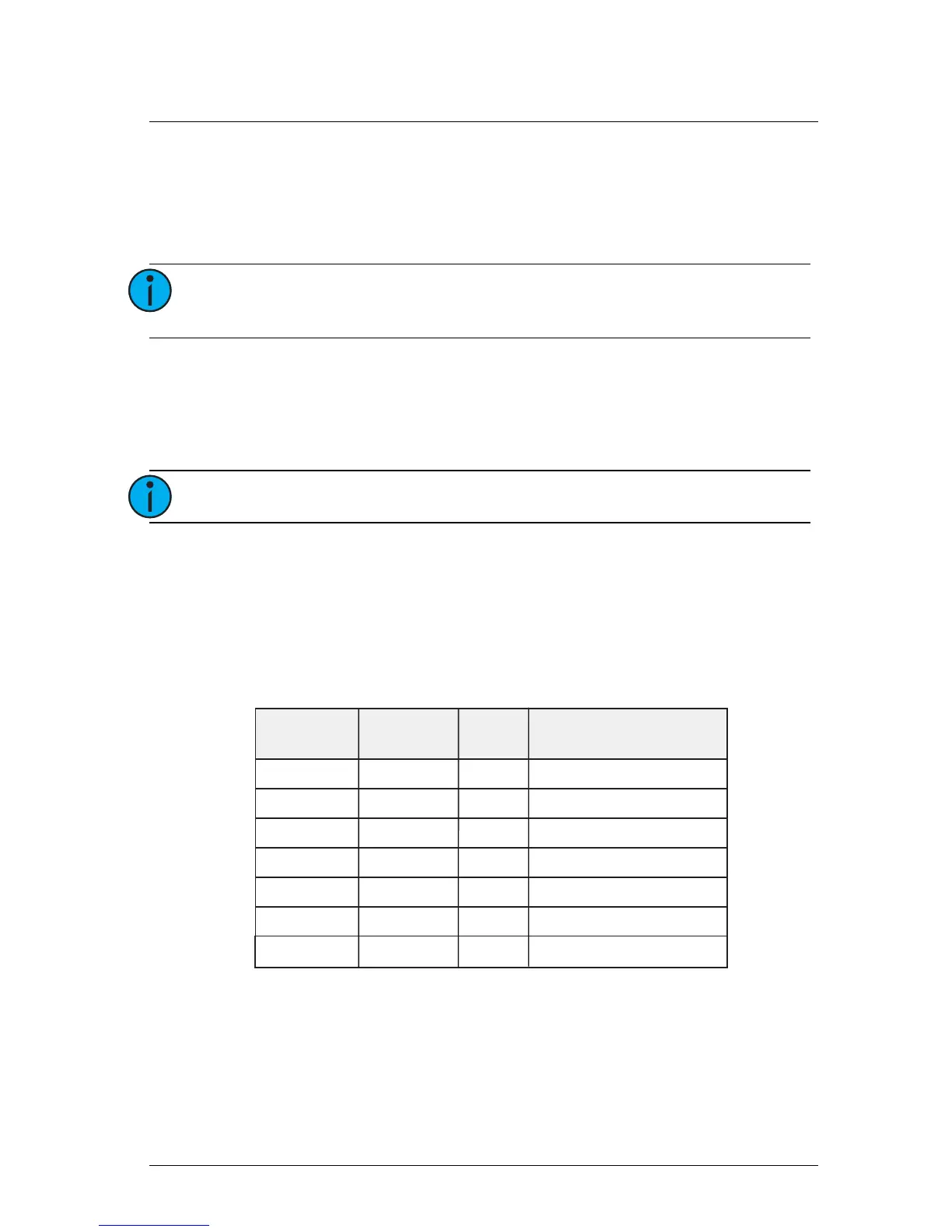
For third party product compatibility with City Theatrical SHoW DMX
products, reference the chart below.
Note:
The Relay LED will blink during radio programming,
then the DMX LED will blink during CPU programming.
Note:
Updating Transmitters takes 10-20 minutes each.
Color Source
Relay
SHoW Baby
SHoW ID City Theatrical Description
1
2
3
4
5
6
Green
Cyan
Magenta
White
Red
Yellow
201
102
117
133
149
165
Neo Adaptive
Neo Full Bandwidth
Neo Low Limited Bandwidth
Neo Mid Limited Bandwidth
Neo High Limited Bandwidth
Max Technology
C
Blue Set by RDM
Custom










 To Next Page