ETC Setup Guide
Eos Rackmount Devices
Eos Rackmount Devices Page 8 of 12 ETC
Popup Magic Sheets
This menu gives you control of your system via your show file's magic sheets. A settings menu can
be toggled with the gear icon, allowing you to choose which magic sheet to interact with.
For more information, refer to the following section(s) of the Eos Family User Manual:
Magic Sheets
System Basics
Display Control and Navigation
Quick Access
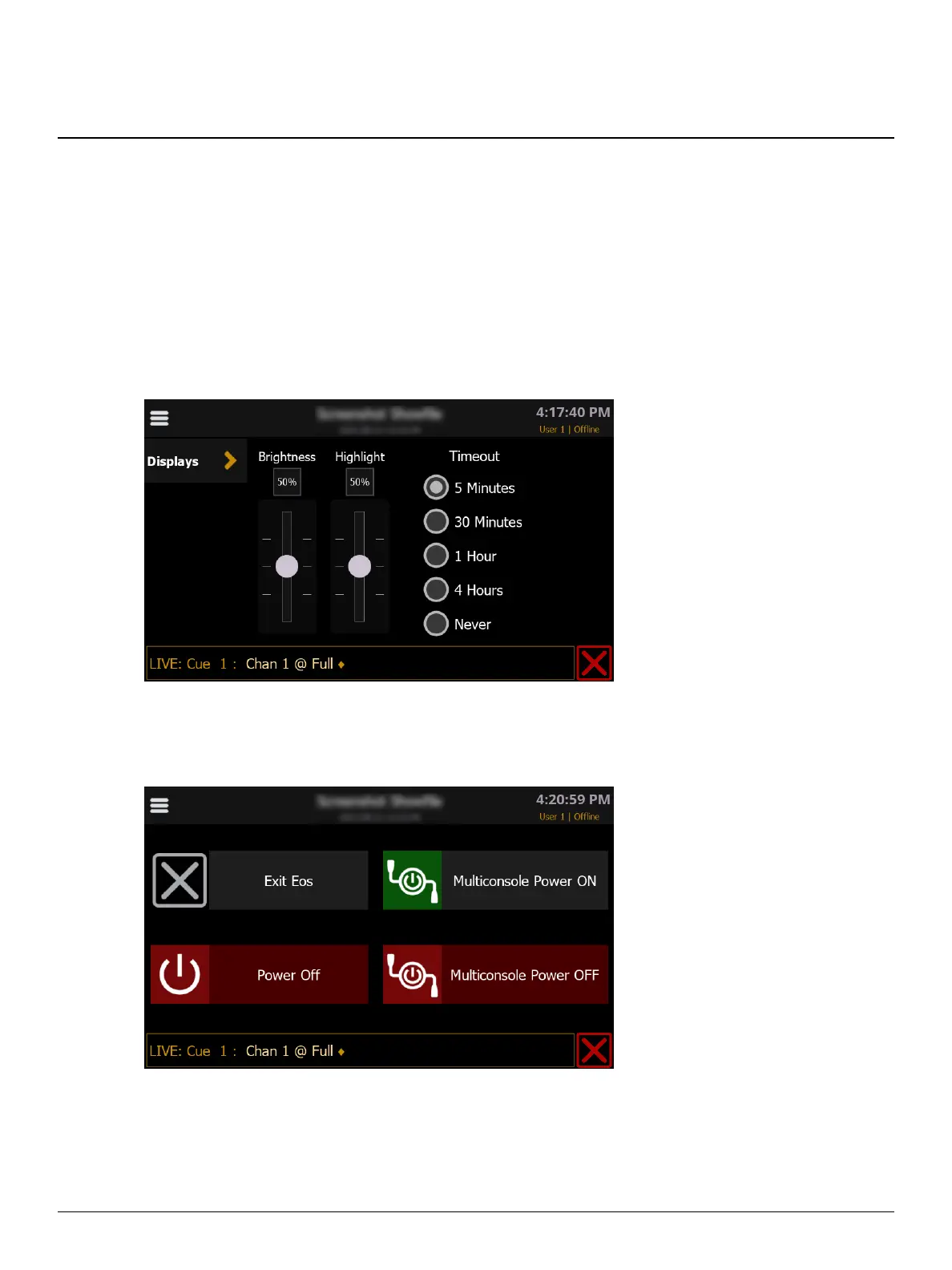
Setup
This sub-menu gives you options to adjust the brightness of the touchscreen display and front vent
highlight lamp, as well as set an automatic timeout.
Power
This sub-menu gives you options to exit the Eos application, physically power off, and remotely
control the power of a multiconsole system.



 To Next Page