50 Hog 4 Operations Manual
3.1 Setting Up the Console
Setting up a Hog 4 series console can take just a few seconds to a few minutes depending on
the complexity of the lighting rig, network, and external devices being controlledby the
console. Always ensure that the console is located in a dry location and is placed on a stable
surface. When practical it is also advantageous to ensure the location allows for access to
the console's rear ports and that ample space has been given for any extra wings, widgets, or
third party outboard equipment.
3.1.1 Powering on the Console
To power on and start up the console plug one end of a standard IEC power cable into any
100-220 VAC power source and plug the other end into the console's dedicated IEC power
port and then turn the power switch on the back of the console to the on position. Make sure
that any external bootable media such as bootable USB flash drives or CDs are removed
from the console before booting. When the console has finishing booting you will see the Hog
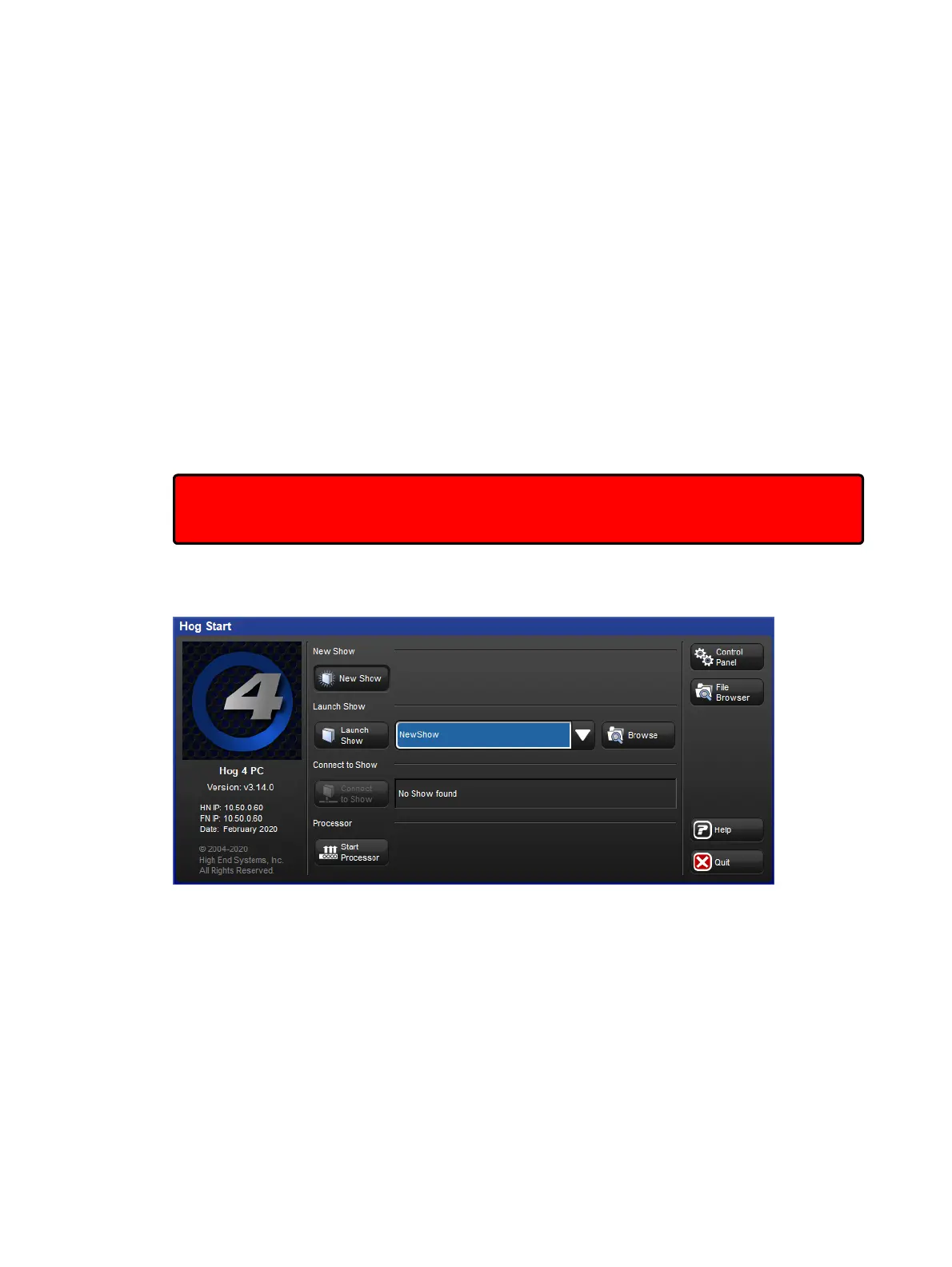
4 OS start screen. Your console is now ready for operation.
Important: Using an ungrounded power source leads to a greater risk of shock and may
cause the motorized faders on the Hog 4 and Full Boar 4 consoles to not function properly.
Always make sure that the power source for your console is properly grounded.
Start Screen, your console is ready to use












 To Next Page