31 / 36
Connecting additional accessories
Connecting additional detectors / controls
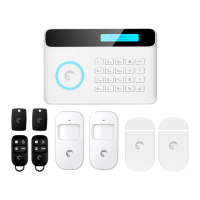
Additional sensors can be connected to the system. Sensor types include – Motion
Sensors, Pet Immune sensors and door window sensors. Syncing additional sensors
follows the same methodology as that mentioned above.
Connecting additional Siren
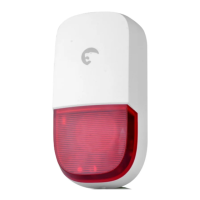
1. Press once on the Connection button on the Siren.
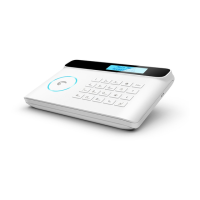
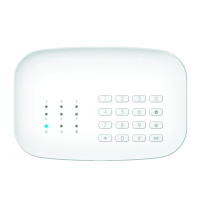
2. Press the “SOS” button on the control panel.
3. The siren will beep once acknowledging the connection. If the siren beeps twice, the
control panel was already connected.
Connect additional Peripherals
Outdoor Sirens/Indoor Sirens/Video Camera Not all sirens have the same way of
connecting. Please refer to the user manual of your siren to connect it to the hub.
A piece of advice
- Before connecting your siren to your control panel, make sure there is
no entry / exit delay set on the hub. If so, delete the delay during the
time of connection.
- While connecting the siren, make sure detectors are not triggered


 To Next Page