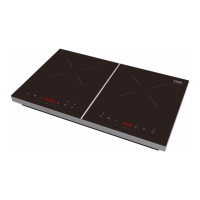
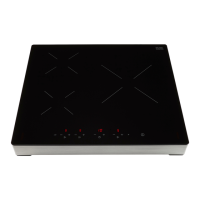
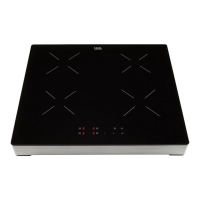
EN 13
Operating the induction hob
Use of the touch keys
Put the tip of your finger flat on the touch key. Do not apply pressure.
The touch keys react to a light fingertip touch. Only operate the touch keys with your finger.
The touch key gives a short audio signal when it engages.
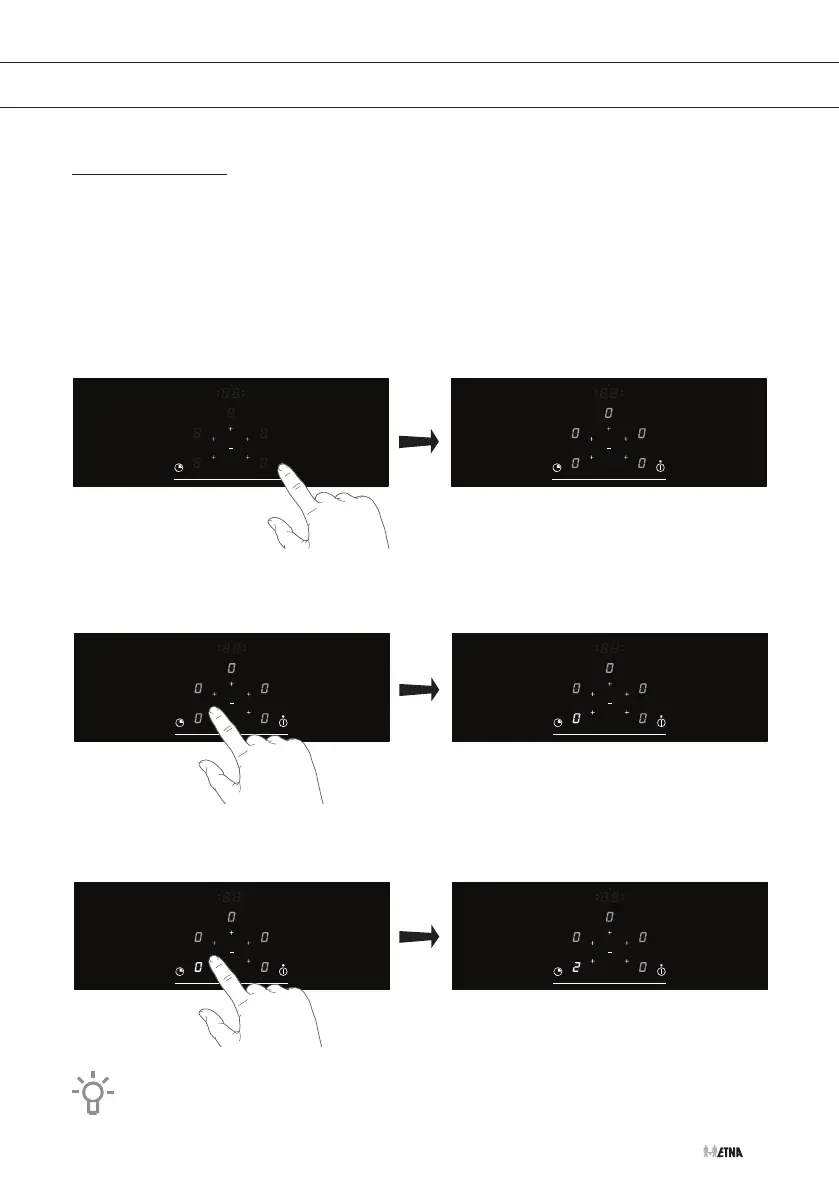
1. Touch and hold the On/Off key until you hear an audio signal.
▷ The hob is in standby mode.
▷ The On/Off indicator light and zero (0) flash in all displays.
2. Touch a plus (+) key.
▷ Zero (0) lights up in the cooking zone display.
3. Touch the minus (-) or plus (+) key to select a cooking power level.
▷ The cooking zone starts at the set power level, visible in the display.
If the hob is not used for 20 seconds, it will stop automatically.
OPERATION



 To Next Page