EasyManua.ls Logo

ETQ TG72B12 - User Manual

ETQ TG72B12
22 pages
Print Icon
To Next Page IconTo Next Page
Loading...
1
Eastern Tools & Equipment, Inc
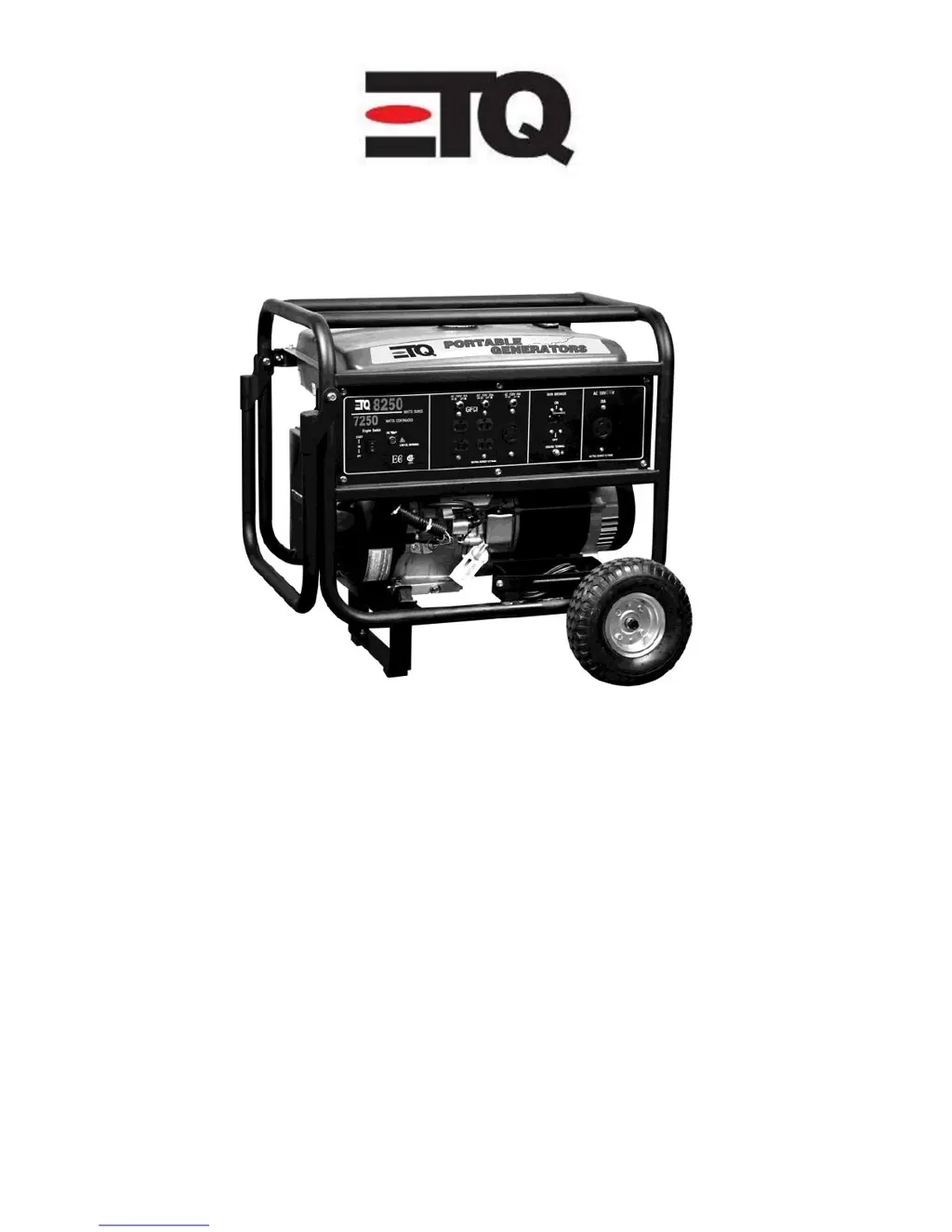
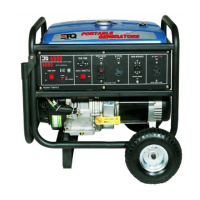
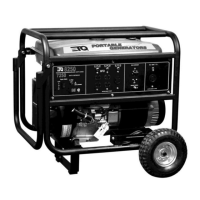
TG72B12 Portable Generator
8250 Surge Watts
7250 Continuous Watts
Customer Service (888)-908-6200
www.easterntools.com
Eastern Tools & Equipment. Inc
Ontario, CA U.S.A

Questions and Answers

  • J
    justinwrightAug 1, 2025
    What to do if my ETQ TG72B12 has no AC output?
    • S
      Stephanie HernandezAug 1, 2025
      If your ETQ Portable Generator has no AC output, begin by checking all cable connections to ensure they are properly connected. Then, verify that the connected device isn't defective by testing it separately or replacing it. Lastly, check if the circuit breaker is open and, if so, reset it. Inspect and tighten wiring connections if they are loose.
  • P
    pamelawilliamsonAug 8, 2025
    Why does my ETQ TG72B12 start but runs roughly?
    • M
      Manuel TaylorAug 8, 2025
      If your ETQ Portable Generator starts but runs roughly, it could be due to several factors. Check the oil level and fill the crankcase to the proper level, ensuring the generator is on a flat surface. Also, the choke might be in the wrong position, so adjust it accordingly. Finally, make sure the spark plug wire is securely attached to the spark plug.
  • D
    Daniel CooperAug 16, 2025
    Why does my ETQ TG72B12 shut down while running?
    • D
      David RiosAug 16, 2025
      Your ETQ Portable Generator might shut down during operation for two primary reasons. The first is that it's out of gasoline, so you should refill it. The second is a low oil level. In this case, fill the crankcase to the proper level and ensure the generator is placed on a flat, level surface.
  • W
    wellsjoshuaAug 23, 2025
    What to do if my ETQ TG72B12 Portable Generator cannot supply enough power or is overheating?
    • L
      Linda WilliamsAug 23, 2025
      If your ETQ Portable Generator cannot supply enough power or is overheating, it could be due to being overloaded. Review the load and adjust it accordingly. Also, check for any air restrictions and move the generator to a well-ventilated area.

Summary

Safety Warnings

Key Safety Guidelines

Essential safety measures for operating the generator safely, including electrical, CO, fuel, grounding, and general generator use.

Specifications and Maintenance

Controls and Features

Control Panel Overview

Identification and function of generator controls and features with diagram.

Operation and Setup

Starting, Stopping, and Maintenance

Starting and Stopping Procedures

Guides for safely starting, running, and stopping the generator.

Air Filter, Receptacles, and Storage

Maintenance Schedule

Maintenance Intervals

A table detailing the recommended maintenance intervals for various components.

Troubleshooting

Problem Resolution

A table listing common generator problems, causes, and solutions.

Wiring Diagram

Electrical Connections

Detailed schematic of the generator's electrical connections.

Warranty Information

Product Registration

ETQ TG72B12 Specifications

General IconGeneral
BrandETQ
ModelTG72B12
CategoryPortable Generator
LanguageEnglish

Related product manuals