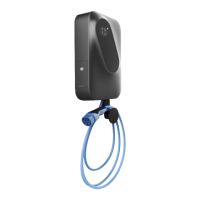
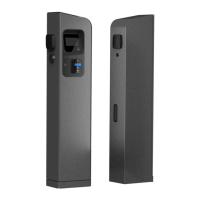
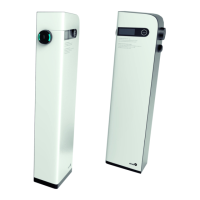
Figure 6: Doors with keylock Figure 7: Doors with hex screw
There is a sticker on the inside of maintenance doors, with technical
information including basic charging station information, model type
and serial number. When support is contacted it is important that the
charging station model type is known so the support can quickly help
solve the issue.
RESETING THE CHARGING STATION
Charging station can be reset by opening the side maintenance doors
and pressing the button inside the maintenance opening.
After holding the button for 4 s, the charging station will respond with
the beep after which the options on the screen to check the IP address
of the station or to reset the station will be presented. Basic reset and
factory reset, which will restore charging station’s factory settings
(username, password, default IP and other settings) can be made.
Figure 8: Reset button inside the maintenance opening


 To Next Page